2、DDNS Function:Choose Enable.
3、Fill in information.Provide the account and password registered by DDNS.
4、Click“Test”and “Apply”.
4.4.4.E-Mail
Introduction:If the alarm is turned on or the alarm linkage photos are taken, send a notification about the
alarm information to the appointed email address.
Step:
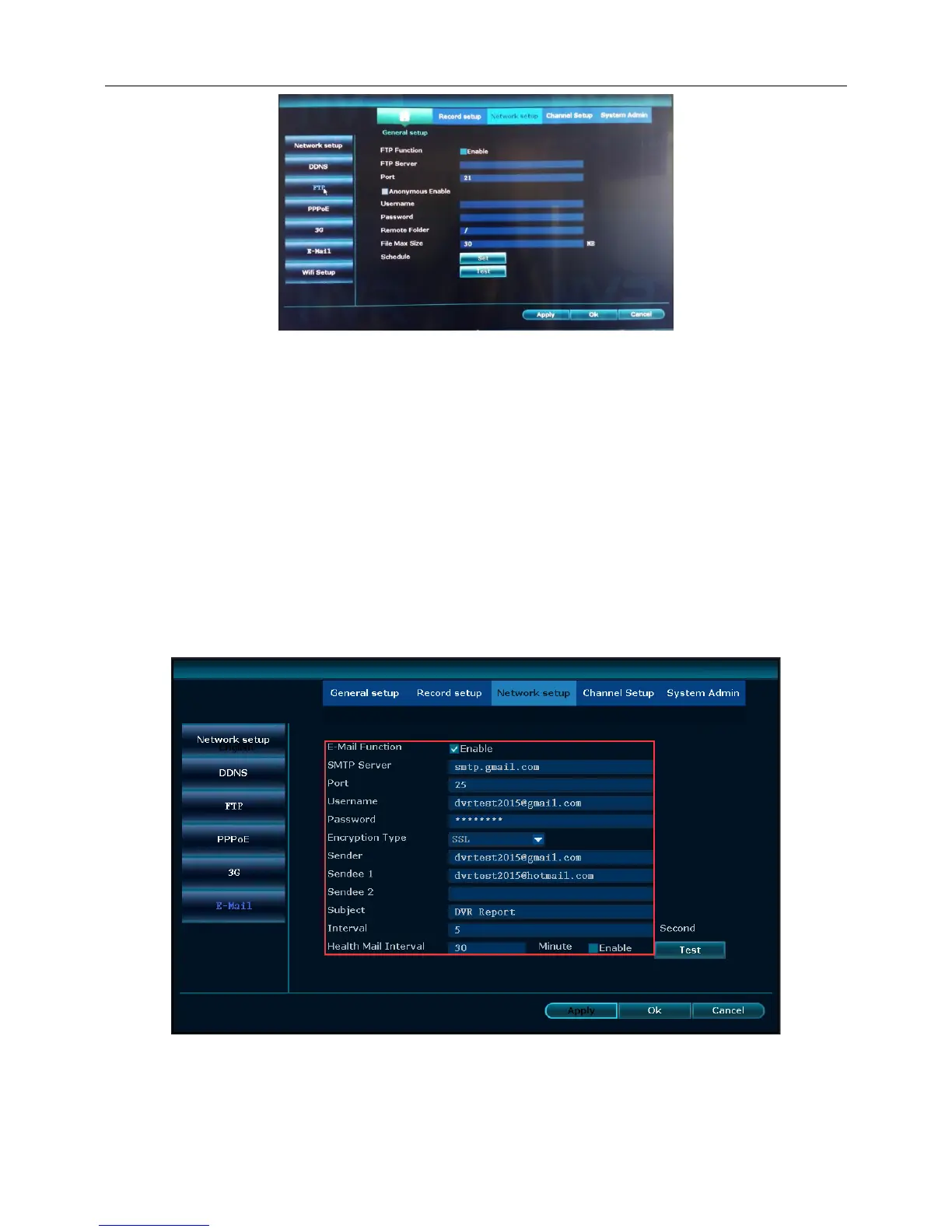
1、Right click the blank of main interface -> click “System setup”-> click “Network setup”-> click “E-Mail”
2、Choose“Enable”
3、Fill in the information (SMTP server、Port、User name、Sender、Sendee1/2,and so on)



 To Next Page