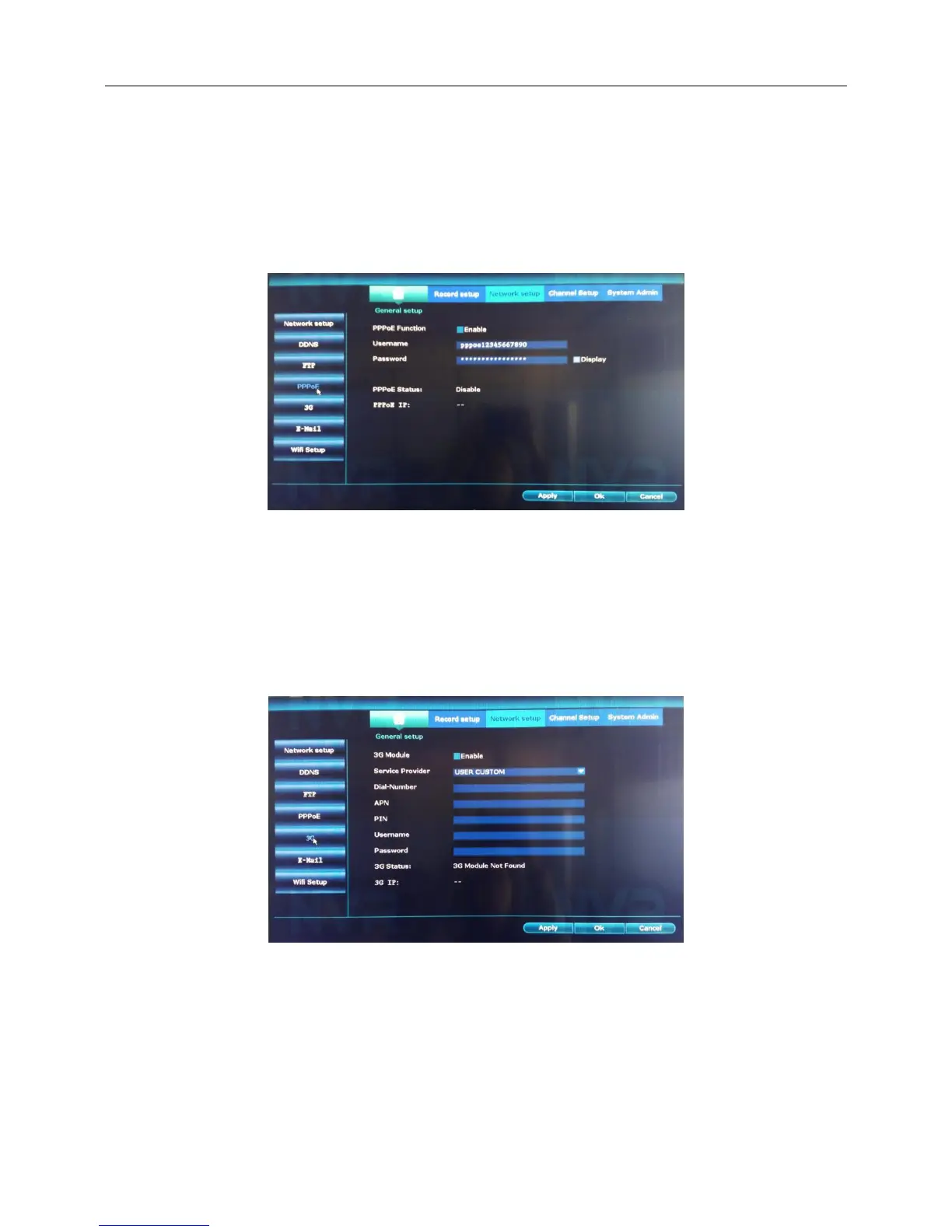
4.4.5.PPPoE
Introduction:After PPPoE dialing successfully look up the IP address in the [IP address] and obtain the
current IP address. Then use this IP address to visit the NVR through user port.
Step:
1、Right click the blank of main interface -> click “System setup”-> click “Network setup”-> click “PPPOE”
2、 [PPPoE Function] choose“Enable”.Input the user name and password that ISP(Internet service
provider)provides.
4.4.6.3G
Step:
1、Right click the blank of main interface -> click “System setup”-> click “Network setup”-> click “PPPOE”
2、[3G Module] choose“Enable”.Input the User name,Password,APN,PIN and Dial-Number.
3、Click“Apply”,Finish.
4.5 PTZ setup
1.Introduction:Operation interface is as followed. The functions include: PTZ direction control, step, zoom,
focus, iris, setup operation, patrol between spots, assistant switch, light switch and so on.



 To Next Page