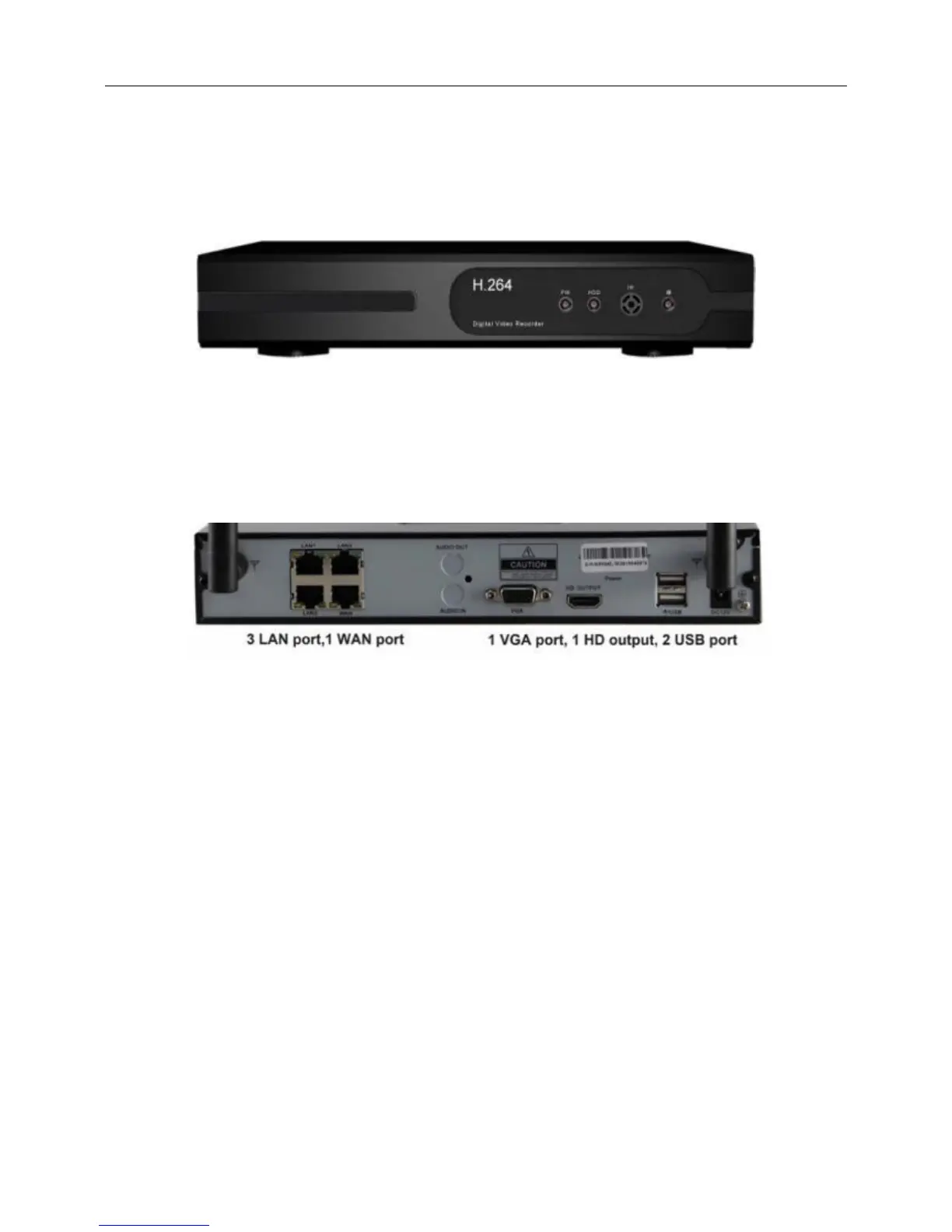
2.Hardware
2.1 Front Panel Description
1.POW:POWER light
2.HDD:HARD DISK light
2.2 Rear Panel Description
3. Installation
3.1 Environment
1. Please place and use the NVR between 0℃ and 40℃. Avoid direct sunlight. Stay away from heat
source.
2. Do not install the NVR in damp environment.
3. Do not use the NVR in smoky or dusty environment.
4. Avoid collision or strong fall.
5. Please insure the NVR level installation in a stable workplace.
6. Please install in ventilated place. Keep the vent clean.
7. Use within the rating input and output scope.
3.2 Before installation
1.NVR location:NVR should be located in centre of the monitoring area. When there is no obstacle



 To Next Page