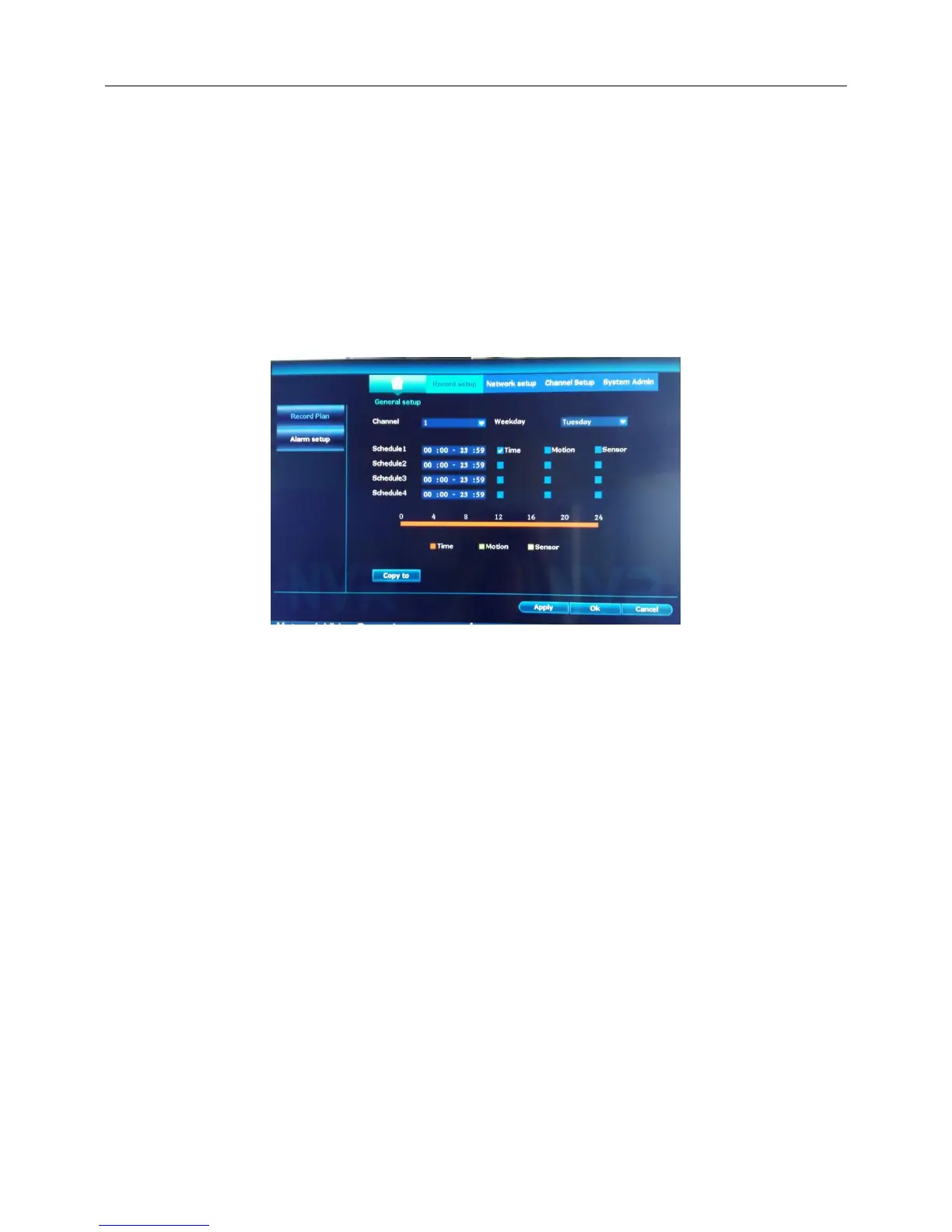
4.6.2 Record Plan
Introduction:Set the recording parameters in the surveillance channel. The system is set 24 hours
consecutive recording in the first start up. You can enter [main menu]> [record mode] to set.
Step:
1、Right click the blank of main interface -> click “System setup”-> click “Record setup”-> click “Record
Plan”
2、Choose the corresponding channel number to set the channel.
3、【Copy to】copy the current channel settings to other channels.
4、Click“Apply”,finish.
4.6.3 Alarm setup
Step:
1、Right click the blank of main interface -> click “System setup”-> click “Record setup”-> click “Alarm
setup”



 To Next Page