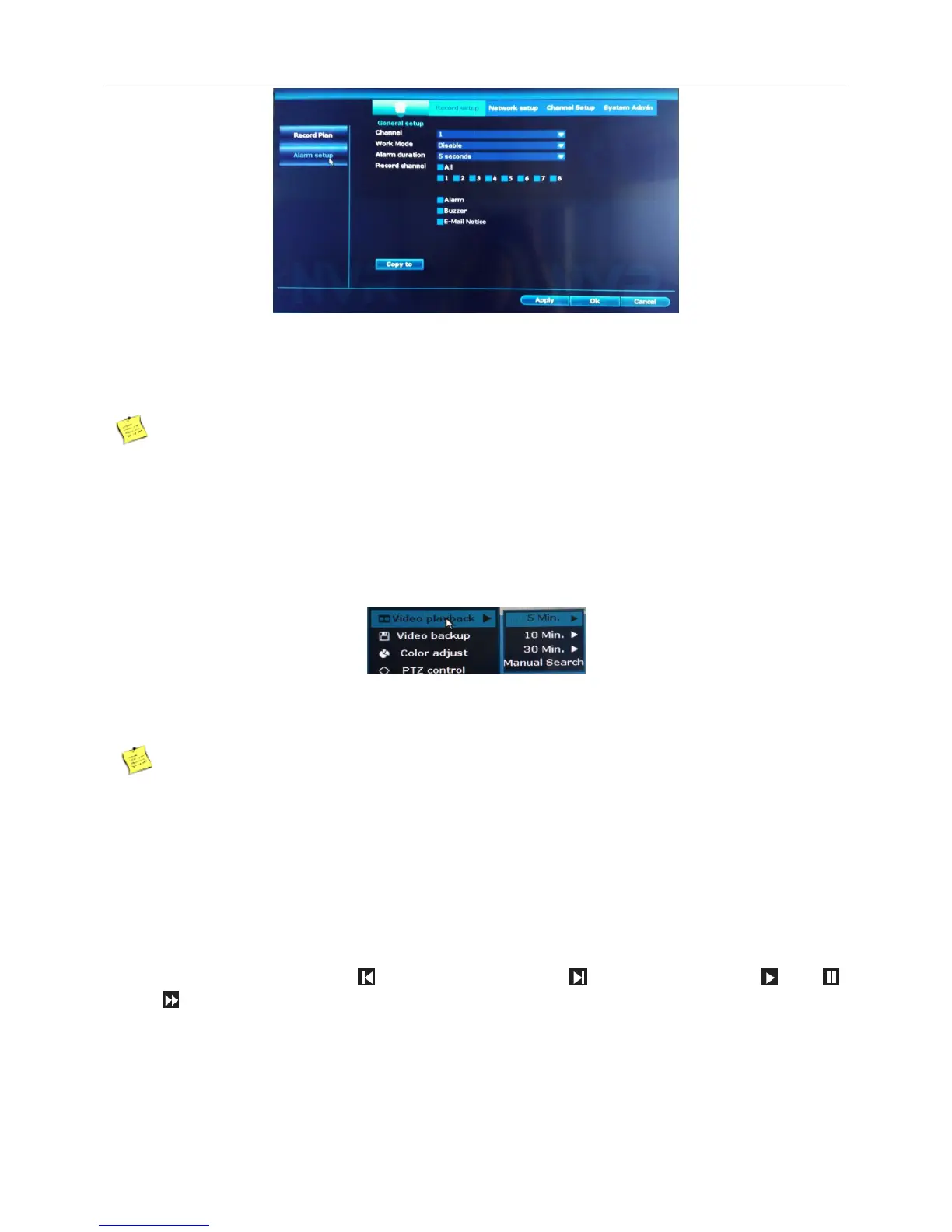
2、Choose the set motion detect channel.
3、Work mode choose disable,means that the motion detect function is on.
4、【EMAIL Notice】【Buzzer】【Alarm】,Choose the Settings as you needed.
5、Click“Apply”,Finish.
Note:Set in the [Net service] and send email.
4.7 Playback
1.Right click the blank of main interface -> click “Video playback”-> click “Record setup”
【Playback Time】Click to select 5/10/30Min playback time.
Before playing back the video, make sure that the hard disk is connected properly and the recording
function is enabled.
2.Right click the blank of main interface -> click “Video playback”-> click “Manual search”
Step: —choose channel NO.—choose record mode —Search time(input beginning time and end time)—
search,recording will come out ,drag time bar —click playback to start
Tips: Playback icon introduction: playback l frame previous playback l frame next play
pause fast forward x2,x4,x8



 To Next Page