Users need to provide the corresponding version information in the maintenance.
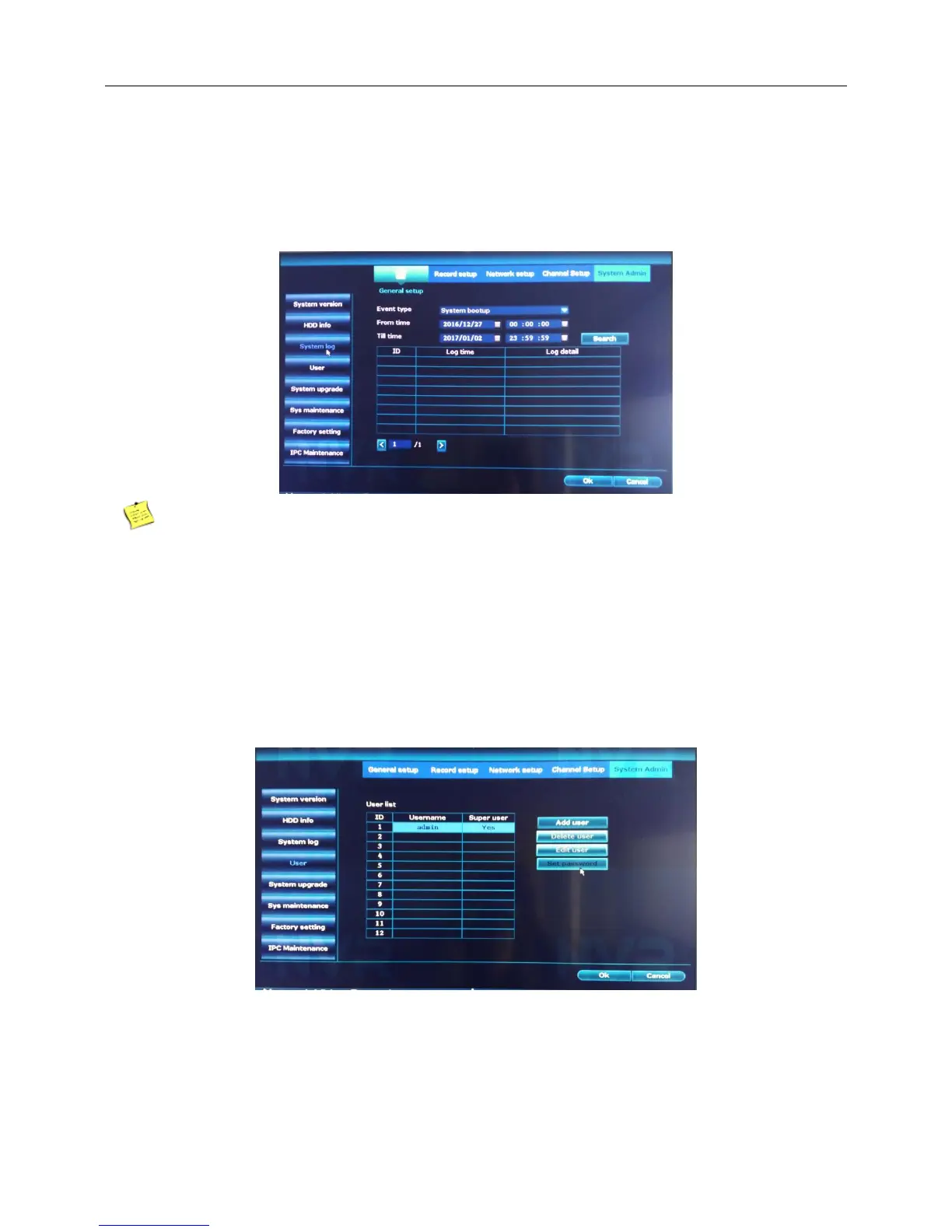
System log:
Introduction:Look up system log according to the set mode.
Right click the blank of main interface -> click “System setup”-> click “System Admin”-> click “System log”.
After format the disk,system log will lost.
4.11.2 User Admin
Introduction:Manage the user purview.
Right click the blank of main interface -> click “System setup”-> click “System Admin”-> click “User”
Note:The user who possess the user control purview can modify his/her own or other users password
About forget the password
1. when you input the wrong password and appear this page1. Keep the mouse in the black background of
this page and then repeating to click the left and rigt button of the mouse till it appear the page2.



 To Next Page