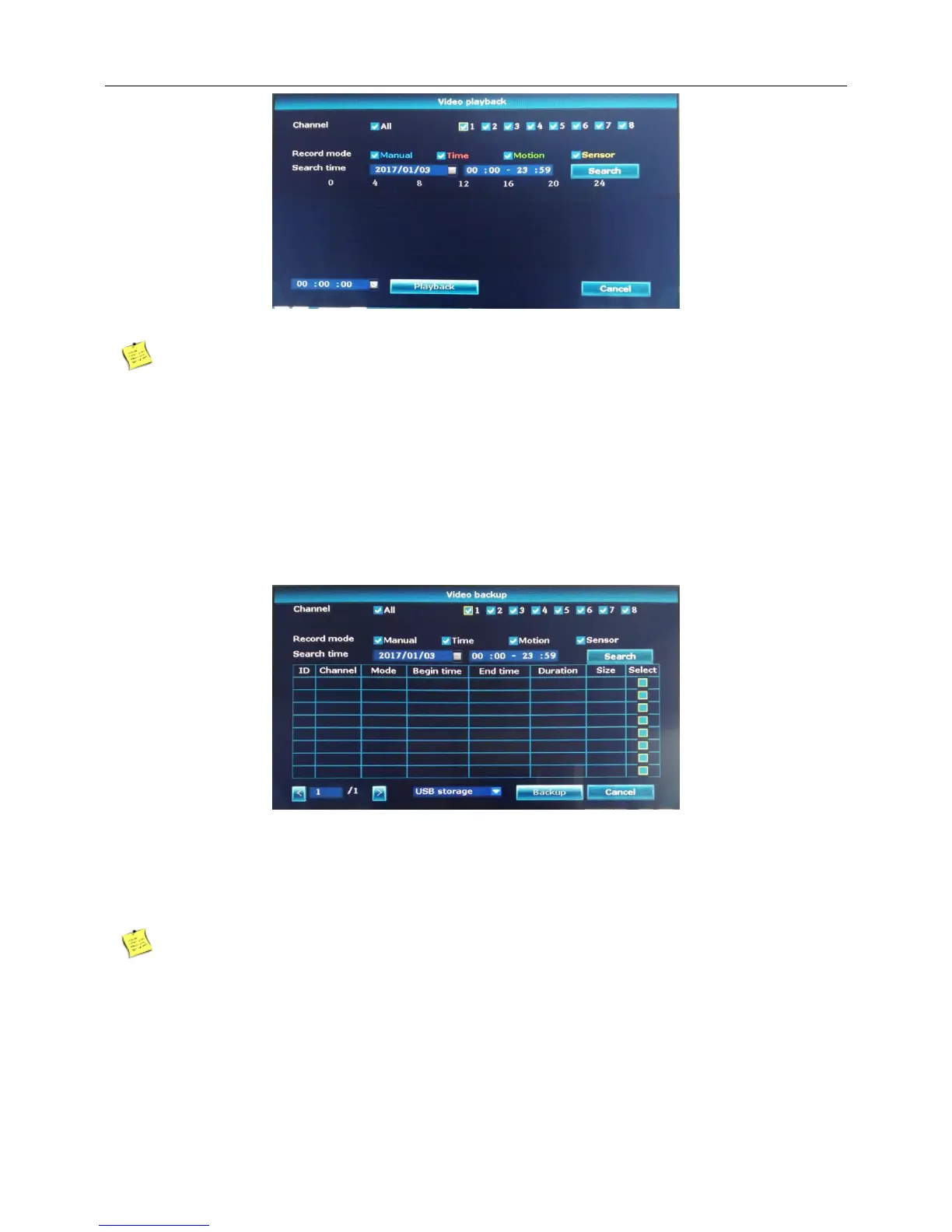
Playback progress can be controlled。
Playback speed can be changed
4.8 Video backup
Introduction:Video backup to USB.
1、Right click the blank of main interface -> click “Video backup”
2、Choose channel and Record mode.
3、Then search time.
4、The system will search the recording data according to the condition.
5、Choose the video which you want to backup.Then click“Backup”.
Note:The storage must be installed before the file backup. If the backup is terminated, the already
backup can playback individually.



 To Next Page