Before you start, please make sure your router is enabled DHCP and connected to Internet.
Search APP:
No.1: Go to APP store —Search Eseenet/ IP-pro —Input APP ID and password —Click download
No.2: Go to http://www.dvr163.com/help/download.php in mobile, — software download — install
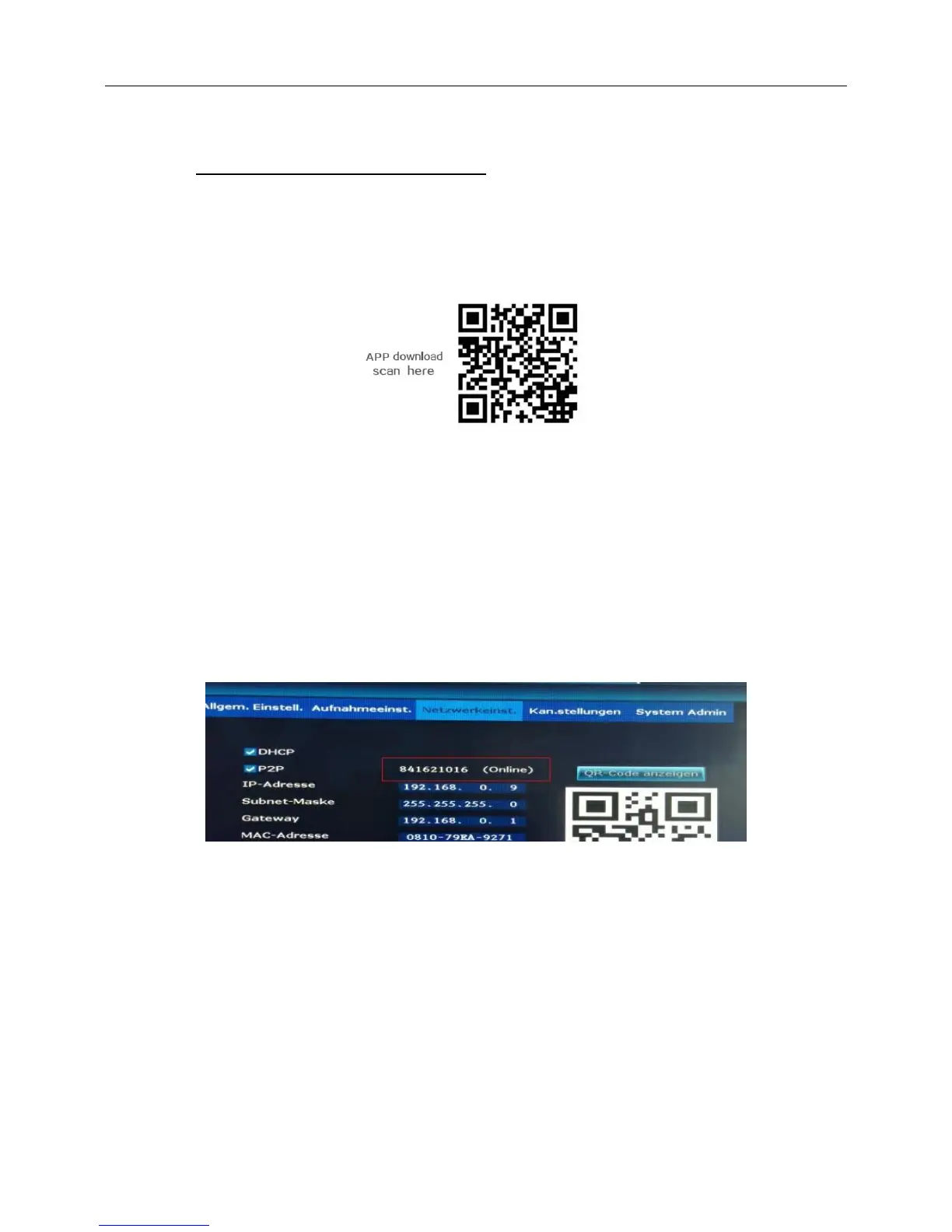
Scan two-dimension code:
Scan two-dimension code by mobile directly ,enter download page,click download to mobile .If mobile.If
mobile do not support two-dimension scan,can input www.e-seenet.com/help/download.php in mobille
browser,enter download page,click download to mobile.
2.Esee mobile application (Eseenet)-Add device
Step 1: Log in Eseenet application,Click “+”icon
Step 2: Enter device edit page
Step 3: Input video recorder log in information(or scan two-dimension code)
Step 4: Added successfully .it will show below page
Step 5: Click channel No.to get video
Device name: you can create a new name for you recorder
Device ID: the cloud ID in your recorder
User: admin
Password: no password default



 To Next Page