the top by gently squeezing and pulling out.
Clean the Wind Vane & Anemometer
Remove foreign matter from the outside of the sensor for free movement of the wind vane and anemometer. If
needed, use a small amount of spray lubricant, clear silicone or graphite powder on the anemometer for improved
movement.
Calibration
Calibrate Temperature & Humidity
The indoor/outdoor temperature and humidity readings can be calibrated on the display to improve accuracy.
Calibration improves accuracy when 5-in-1 sensor placement or environmental factors impact your data accuracy.
1. Choose the weather category you wish to calibrate by pressing the “▲“ or “▼“ buttons until the category is
displayed on the Selectable Category part of the display.
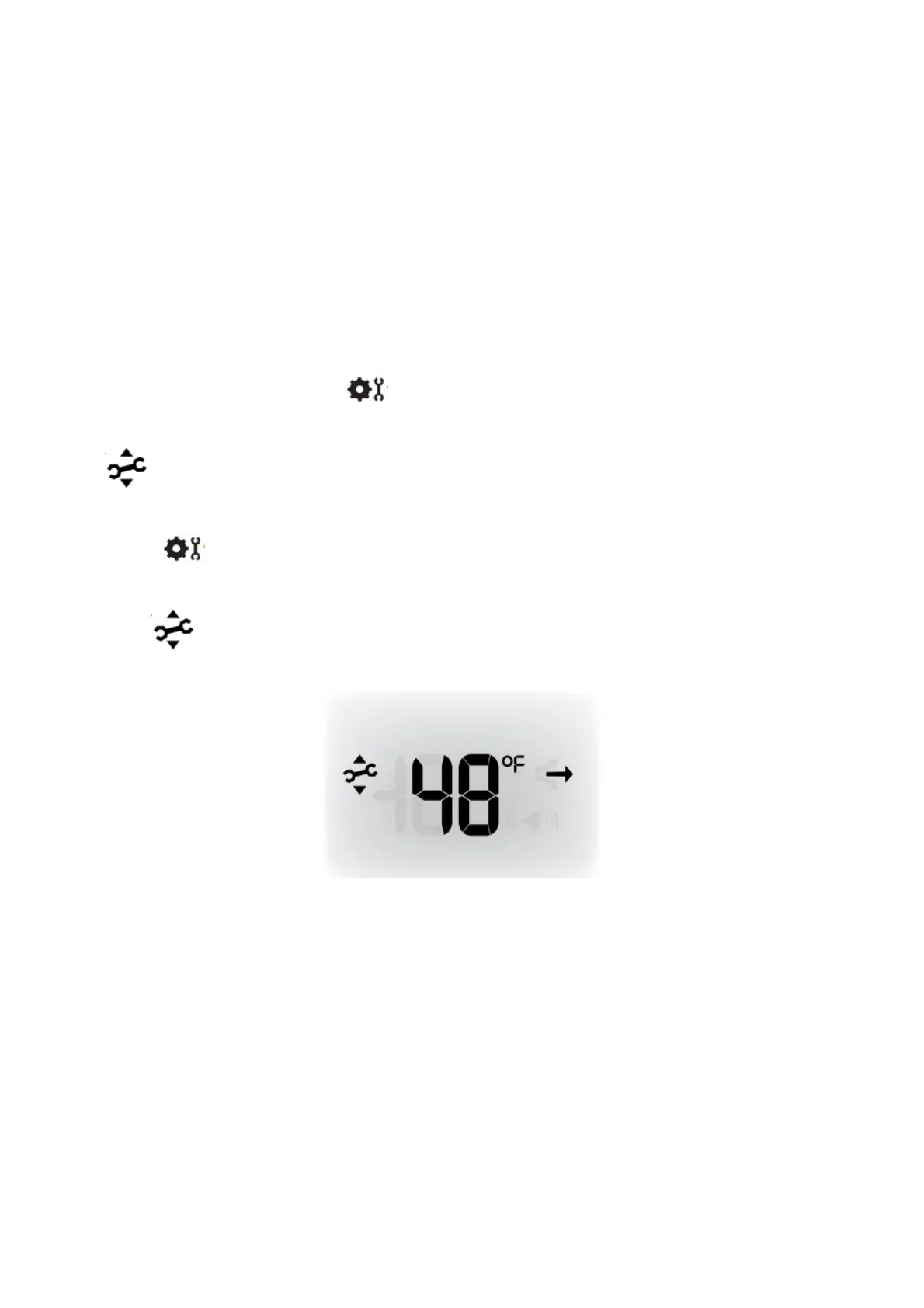
2. Press AND HOLD the “▲“, “▼“ and “ ” buttons all at the same time for 10-15 seconds.
• The display beeps, and all display data is hidden except for the value being calibrated.
• “ ” (calibrate) and arrows appear next to the value being calibrated.
3. Press the “▲“ or “▼“ buttons to calibrate the data value higher or lower from the actual reading.
4. Press the “ ” button to confirm the calibration adjustment.
Note: The “ ” icon remains illuminated next to calibrated values.
Calibrate the Rain Gauge
The rain gauge on the 5-in-1 sensor can be calibrated to improve accuracy.
Items Needed: 5-in-1 sensor, display, plastic cup, pin, screwdriver
1. First, ensure 5-in-1 sensor is perfectly level using a built-in bubble level.
2. Place display close so you can monitor it during calibration.
3. Make a pinhole in the bottom of a plastic cup. Hold the cup over the rain gauge and fill it with exactly 1 cup
(8oz) of water, allowing the water to drip into the rain gauge. You should hear the internal buckets tip and see
water drain through the rain gauge.
4. A few seconds after each bucket tip, the display displays rainfall in approximately 0.01” or more increments.
5. The cup of water should take more than 20 minutes to empty; a quicker period will result in inaccurate
calibration. Try to simulate a normal steady rainfall. When cup is empty of water, display should register 1.06”



 To Next Page