DHW Setup
EZ Setup
DHW EZ Setup
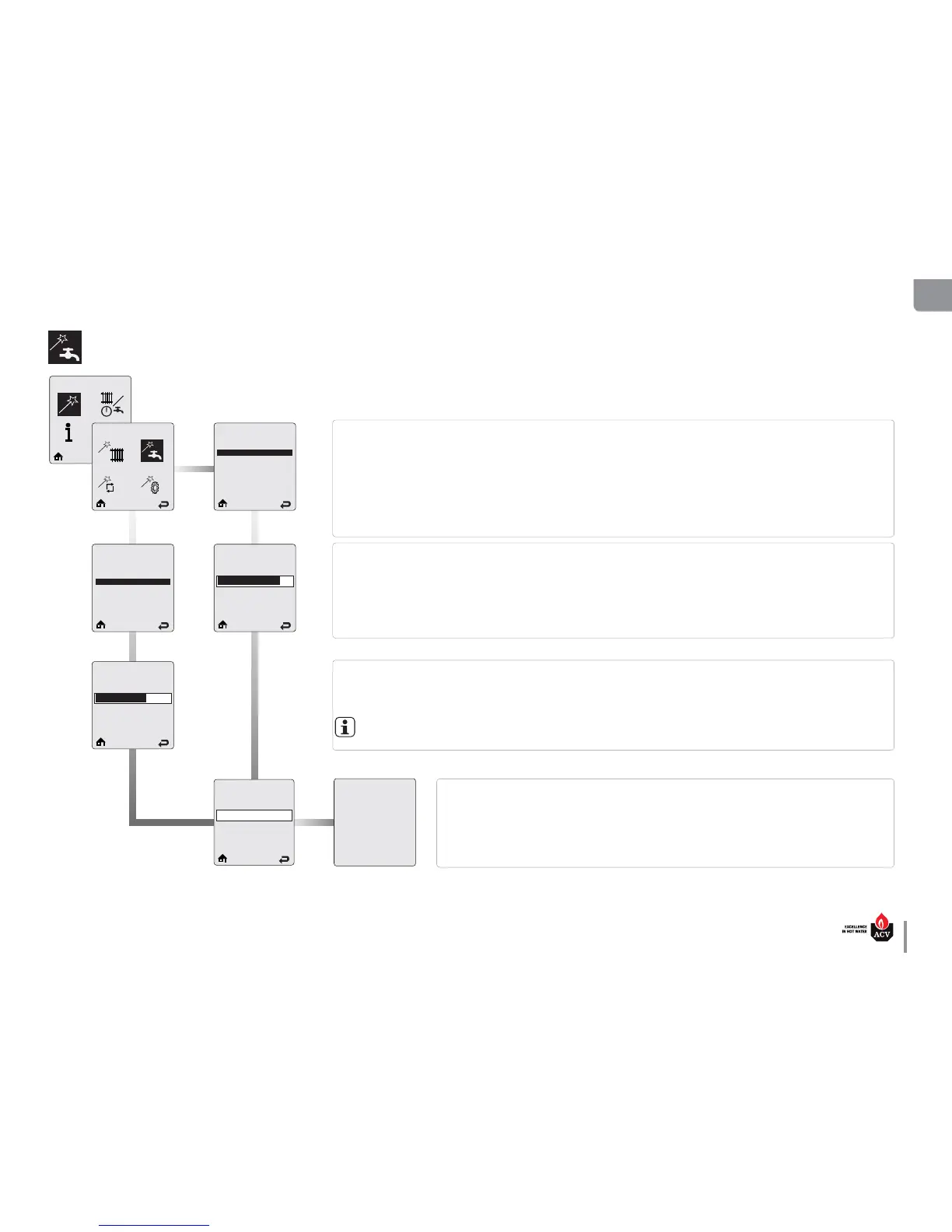
Select DHW Demand
Thermostat
Sensor
Select DHW Demand
Thermostat
Sensor
Select DHW Demand prompts the installer to select how a DHW Demand is generated. There are two Select DHW Demand options,
among which the installer must make a selection.
When Thermostat is selected in Select DHW Demand, a domestic hot water call from an aquastat or dry contact switch will enable
the appliance with a xed setpoint for a domestic hot water call..
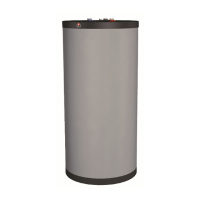
When Sensor is selected in Select DHW Demand, it requires the use of an optional Indirect Water Heater Sensor. The appliance mon-
itors the DHW storage temperature and generates a DHW call whenever the temperature drops below the DHW storage setpoint by
3°C.
Default : Sensor
DHW Boiler Setpoint prompts to enter the xed appliance setpoint temperature during a hot water call when the Thermostat option
is selected.
Press on LEFT or RIGHT button to adjust the required temperature setpoint then press OK to store the setting.
Default: 75°C.
DHW Setpoint prompts to enter the DHW storage setpoint temperature.
Press on LEFT or RIGHT button to adjust the required temperature setpoint then press OK to store the setting.
Default: 60°C.
The Boiler DHW Setpoint will automatically be set 15°C higher than the DHW Setpoint setting
DHW Priority Timeout prompts to enter an optional time limit that a domestic hot water call has priority
over central heating call (HeatMaster only).
Press on LEFT or RIGHT button to adjust the required timeout value, if required, then press OK to store the
setting and complete the DHW setting.
Defau
lt: O
DHW Priority Timeout
O
O 120 min.
DHW
Boiler Setpoint
75°C
35°C 87°C
DHW Setpoint
60°C
20°C 75°C
EZ Setup Complete
DHW EZ setup is complete.
Additional changes can be made in
the Installer Menu if required.
Press OK to return to EZ Setup Menu




 To Next Page