- 16 -
Source Connections - Advanced Setup (cont.)
Audio to Video Input Linking
The SSD-66 (5.1)'s audio and video inputs are linked in software. This flexible architecture
permits you to maximize the digital inputs, analog inputs, and video inputs to best suit your
system needs. Two important notes must be made clear at this time.
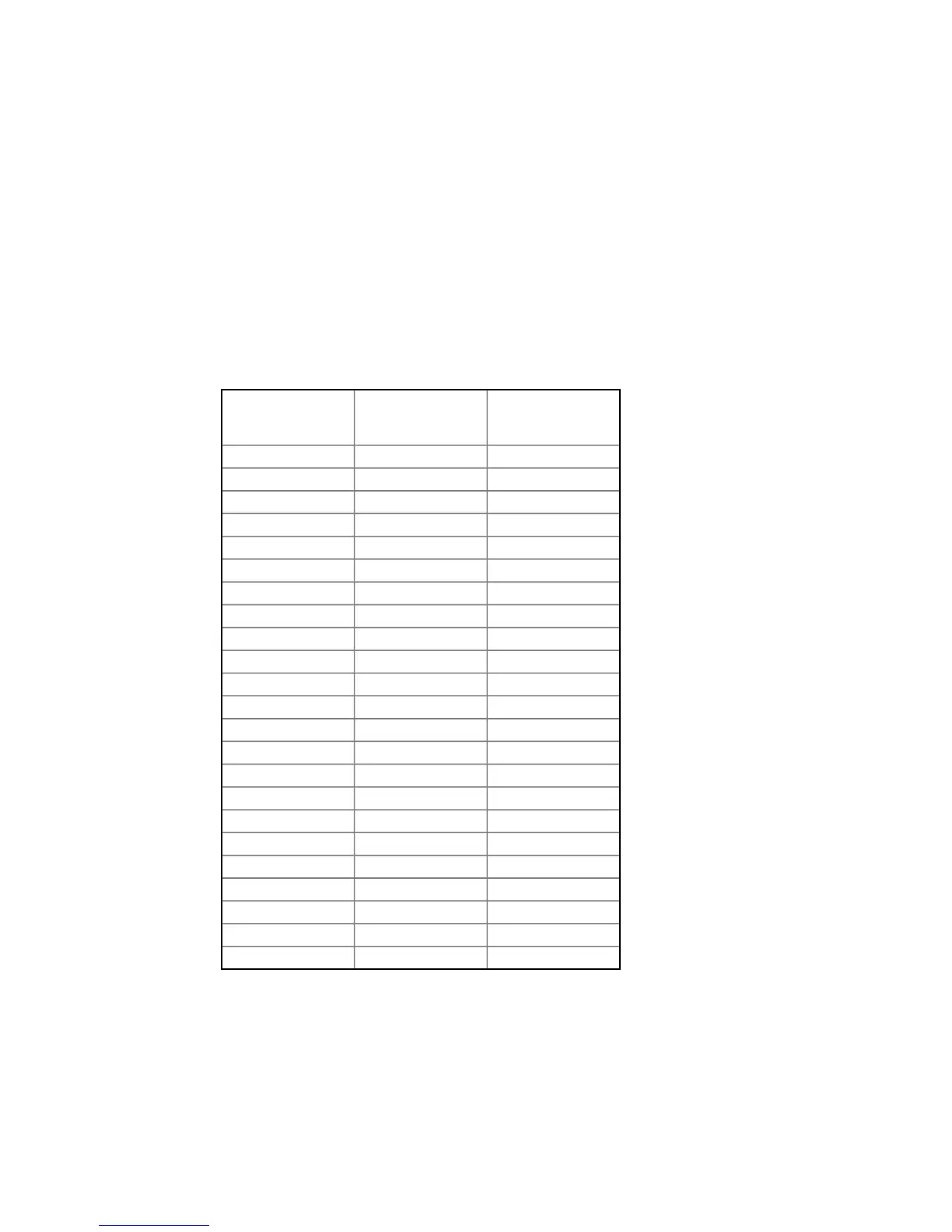
a. The available audio and video input links are specific as detailed in the chart below.
b. Even if a source component does not have a video output (such as the CD player
and radio tuner), these two sources will still need to be assigned a video follower
from one of the other sources.
The following chart details the available audio to video links.
As the above chart illustrates, the Video Input 1 will most commonly be coupled with a laser
disc player using a Digital Input 1 for AC-3 decoding, the multi-pin input for DTS decoding,
while the PCM audio signal will be provided to either Analog Input 1, Optical Input, or Digital
Input 2.
When installing more than four source components, ADA strongly recommends connecting
as many components that are equipped with digital outputs to the SSD-66 (5.1) using their
digital outputs rather than their analog outputs. This will leave the analog inputs on the SSD-
66 (5.1) available for components that do not have any digital audio output at all.
AUDIO INPUT VIDEO INPUT
LINK AS IT
APPEARS ON TH
SSD-66(5.1)
MULTI-PIN VIDEO 1 MUTI PIN/V1
MULTI-PIN VIDEO 2 MUTI PIN/V2
MULTI-PIN VIDEO 3 MUTI PIN/V3
MULTI-PIN VIDEO 4 MUTI PIN/V4
OPTICAL VIDEO 1 OPTICAL/V1
OPTICAL VIDEO 2 OPTICAL/V2
OPTICAL VIDEO 3 OPTICAL/V3
DIGITAL 1 VIDEO 1 DIGITAL1/V1
DIGITAL 1 VIDEO 2 DIGITAL1/V2
DIGITAL 1 VIDEO 3 DIGITAL1/V3
DIGITAL 2 VIDEO 1 DIGITAL2/V1
DIGITAL 2 VIDEO 2 DIGITAL2/V2
DIGITAL 2 VIDEO 3 DIGITAL2/V3
ANALOG 1 VIDEO 1 ANALOG1/V1
ANALOG 1 VIDEO 2 ANALOG1/V2
ANALOG 1 VIDEO 3 ANALOG1/V3
ANALOG 2 VIDEO 2 ANALOG2/V2
ANALOG 2 VIDEO 3 ANALOG2/V3
ANALOG 2 VIDEO 4 ANALOG2/V4
ANALOG 3 VIDEO 3 ANALOG3/V3
ANALOG 3 VIDEO 4 ANALOG3/V4
ANALOG 4 VIDEO 3 ANALOG4/V3
ANALOG 4 VIDEO 4 ANALOG4/V4



 To Next Page