100
12.3 KALEIDOS 3D: How to start
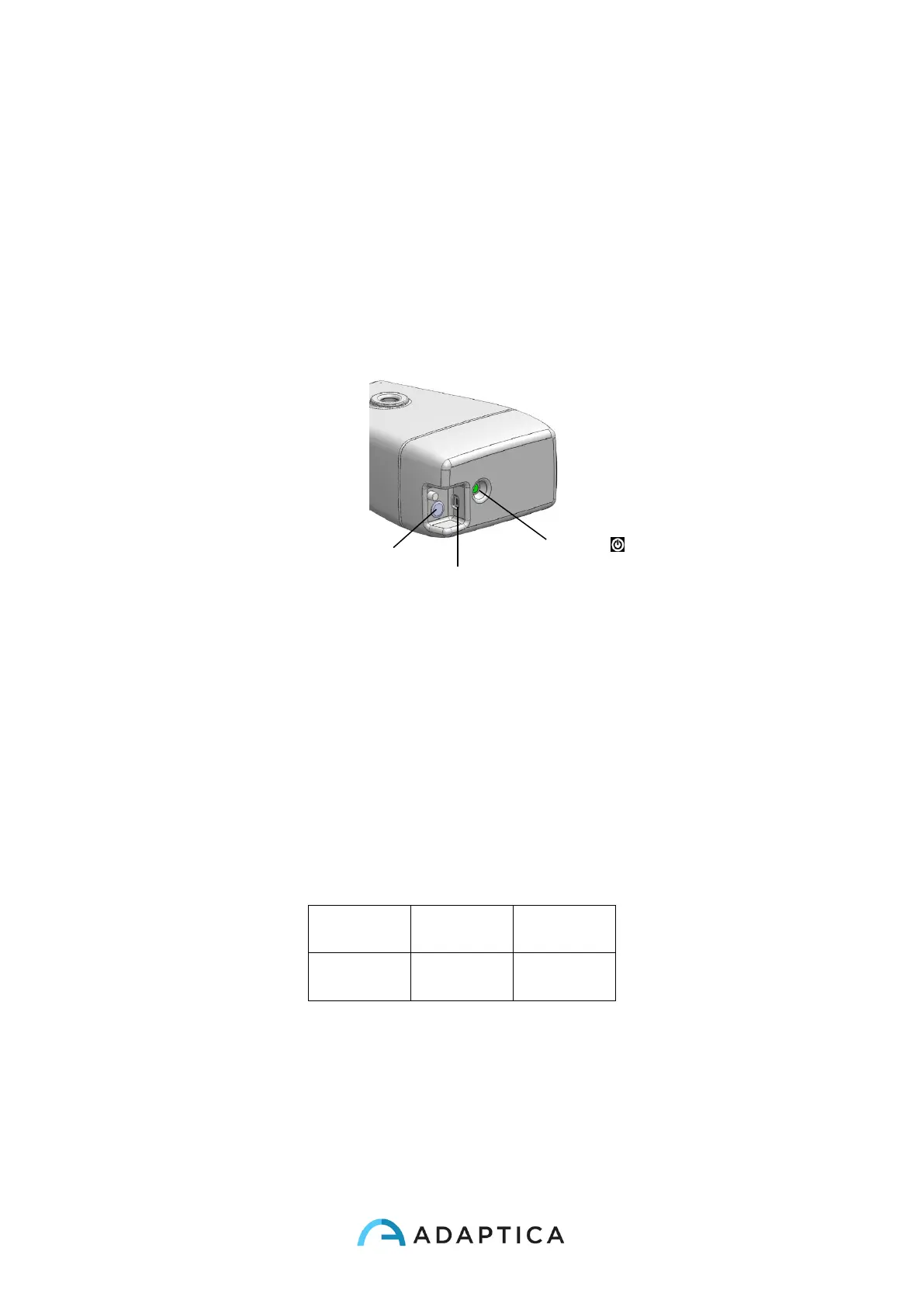
To switch ON/OFF the system
1. To switch the system on press the Switch-on/off button, then press the power button
(power button stays white after startup). A beep sound stands for turning on the sys-
tem.
2. To switch the system off press the Switch-on/off button, then execute a long tap on
Power button in the remote APP user interface.
To charge the system
1. Connect the provided power supply cable to the INPUT 18V – 25A
2. Connect the provided USB cable to the MicroUSB input of KALEIDOS 3D.
3. Connect the other end of the USB charging cable to any active USB port of charg-
ing adapter
4. A green battery indicator means the unit is charging, and it becomes white when
fully charged.
5. Battery level is indicated by the LED indicator light.
Configurations steps
1. To configure the 2WIN to be used inside KALEIDOS 3D enter the 2WIN Menu ->
Settings -> KALEIDOS and select KALEIDOS option.



 To Next Page