52
After saving the two pupils positions you have to return to the main screen by pressing the
power button and then you can save the exam and the pupils position by holding the print
button.
Once the new position has been saved you just need to reload the new exam from the SD
memory to use the Zoom App again
10.10 Menu
Through the menu it is possible to configure all the features and the working modes of the
device.
The menu is activated by pressing the centre of the cross button. To exit the menu press
left on the main menu page.
To navigate on the menu, use the arrows on the cross button:
UP and DOWN buttons will move up and down the highlighted choice, RIGHT button will
select the highlighted choice navigating deeper by one level in the menu, LEFT button will
step back to previous menu level towards main menu page.
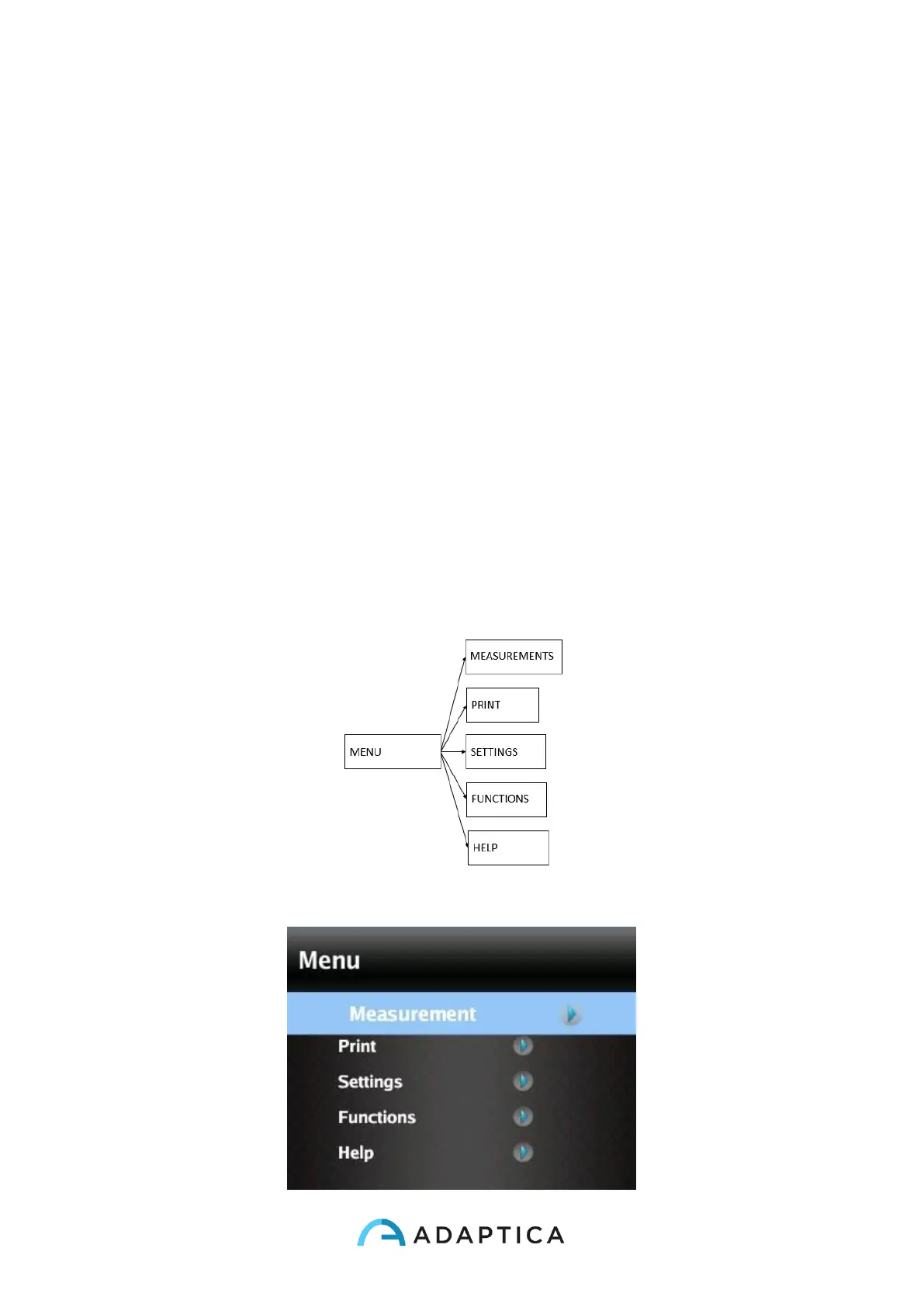
Main menu page is schematized in the following picture,
while this is how the display will appear entering the menu:



 To Next Page