186
20.7 Eye Morphology Application
Eye Morphology Application measures different distances in the eye. This kind of
measurements is very useful in determining some key parameters of the so-called Fetal
Alcohol Syndrome (FAS). It allows to identify eye width with no care about pupil position.
Eye Morphology Application activation
To install Eye Morphology version 2.0 the operator needs to place an activation code in the
2WIN SD card (follow the same procedure to install any other 2WIN Apps, but Eye
Morphology 2.0 will not be visible in 2Win Apps menu). After installation the App will be
automatically available in the 2win zoom function.
Exam procedure
To enter zoom mode you just need to press PRINT key after a measure.
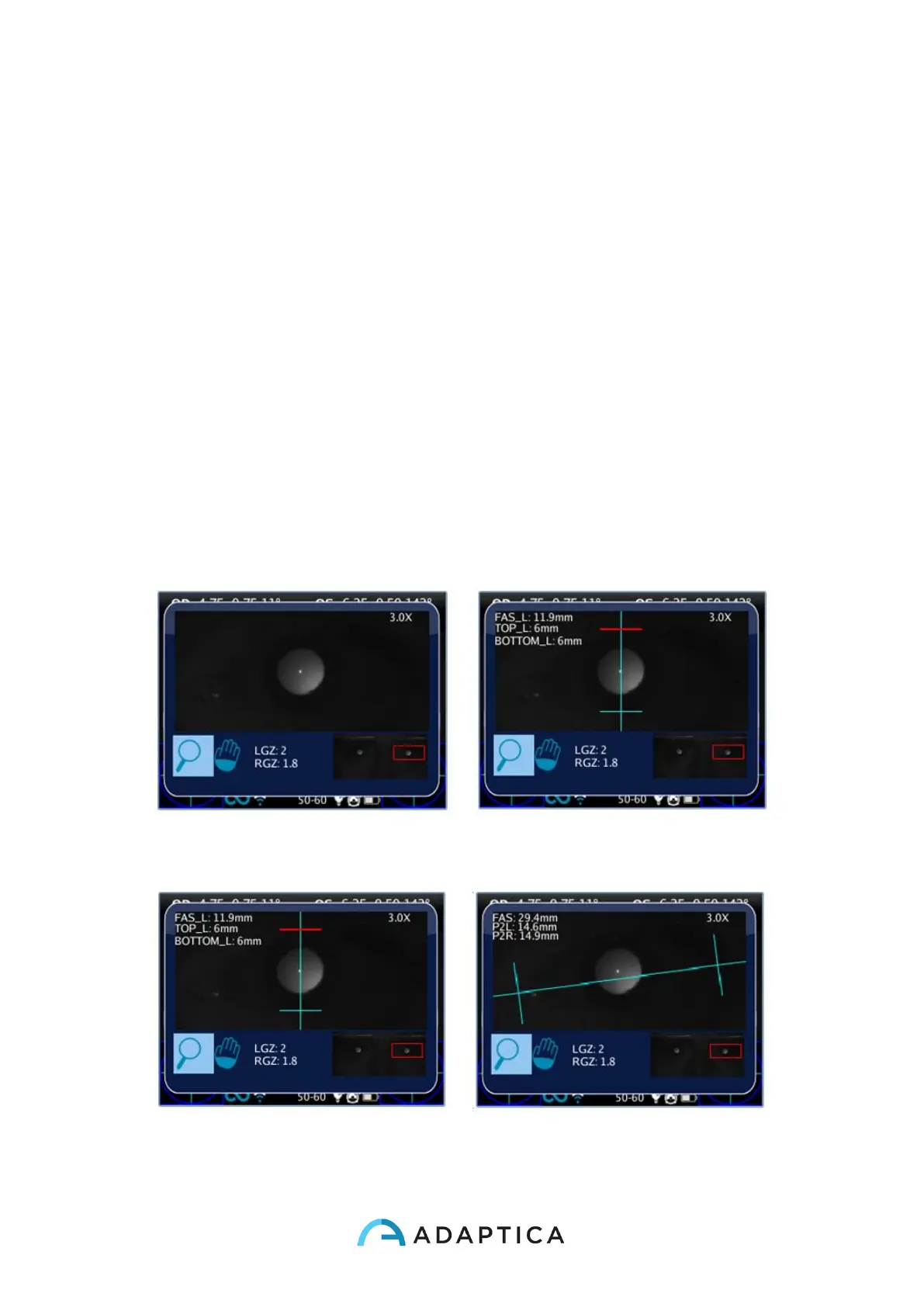
Warning: in the next EM-App pictures (2WIN user interface) the EM values are often called
FAS.
Press EYE key to enable Eye Morphology functionality when in zoom mode: first pression
for vertical mode measurements, second pression to get horizontal mode.



 To Next Page