61
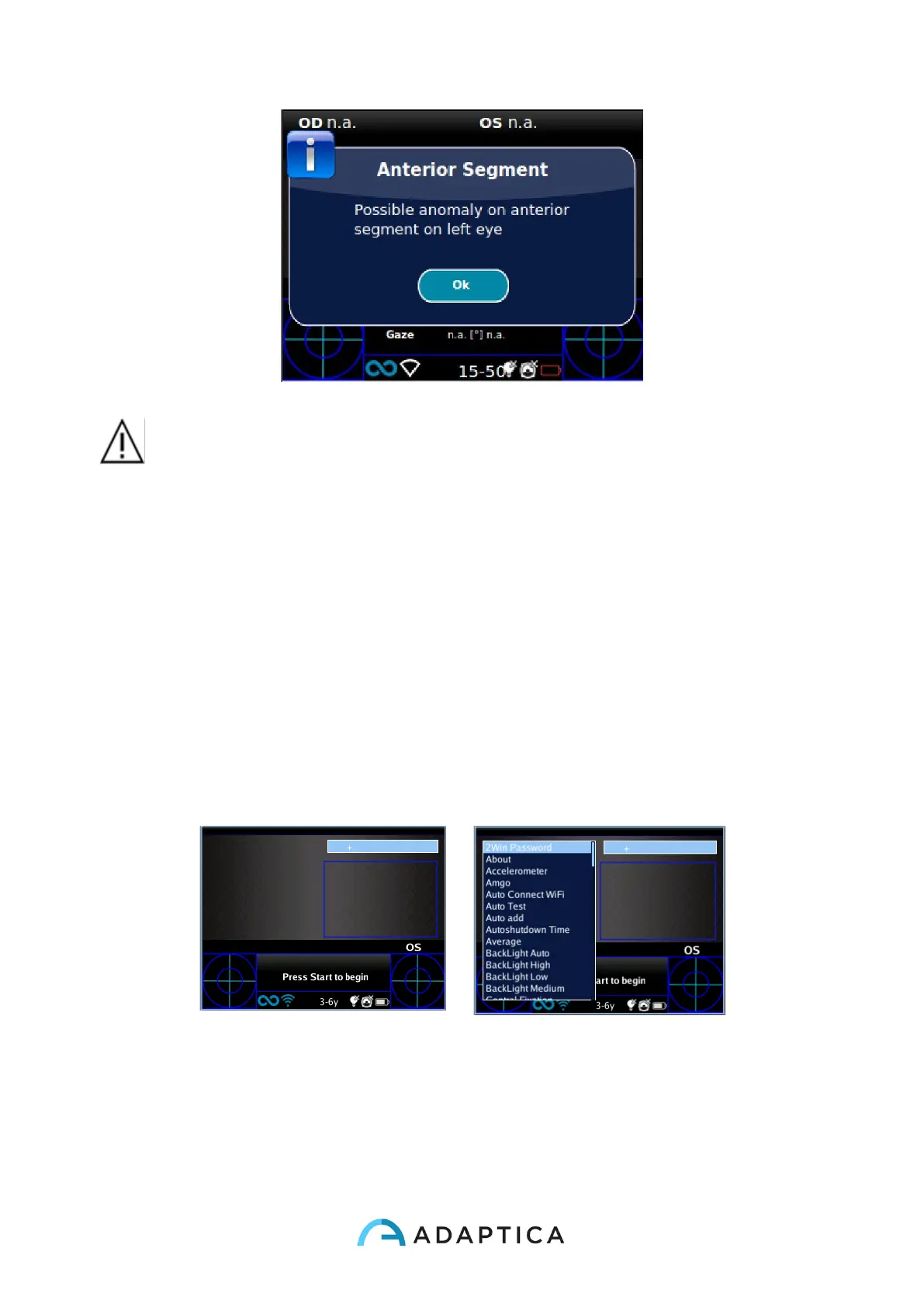
WARNING: the message “Possible anomaly of the Anterior Segment” shall
not be misunderstood as a diagnosis or a hint for diagnosis. For instance, a
foreign object put in front of the eye during the exam could result is an anomaly of
the eye profile not related to any pathology. The measurement shall in any case be
used to refer the patient to an eye care professional for further evaluation.
10.13 Quick menu
In order to get access to the preferred and most used functions of the 2WIN, it is possible to
activate the Quick Menu. With this Menu is possible to recall rapidly any 2WIN function/item
that is commonly used by the operator. It is enabled by keeping pressed button D. The Quick
Menu items appears top right, the '+' button allows to add new items (all items from the main
menu can be added by pressing the central button) to the quick menu. Items can be erased
and moved pressing long the left arrow.



 To Next Page