62
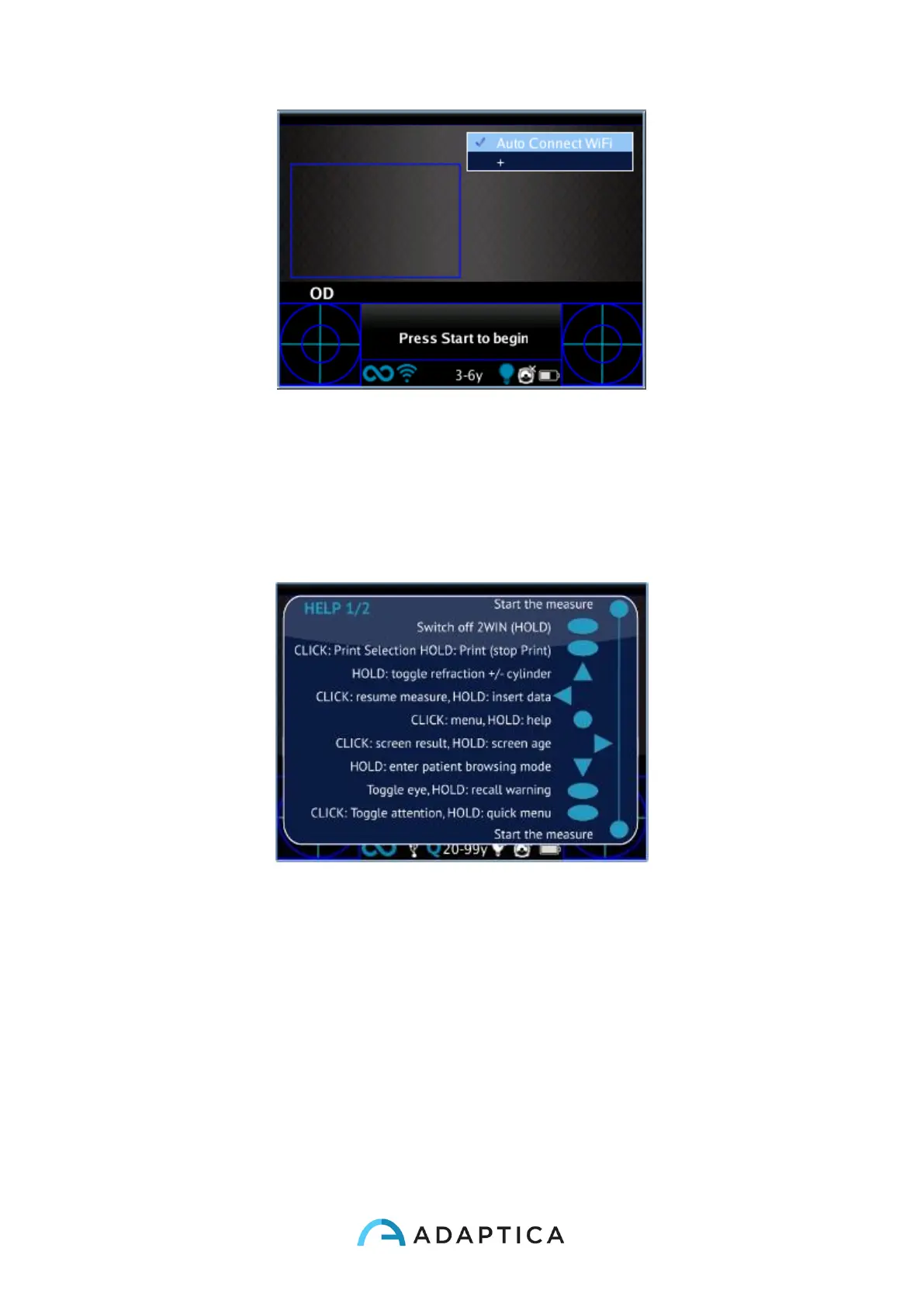
Possible configuration of the quick-menu.
10.14 Contextual Help
At any time, holding the menu button, a help page is shown if the page provides one. Pages
with the help option are: Main/Home, Menu, Keyboard, Age Selection, Browsing Mode, Data
and Time Modification.
Example of contextual help. Note that the two light blue circle at the top and at the bottom of the window
represent the two frontal START buttons, while the other symbols all the 2WIN backside button



 To Next Page