112
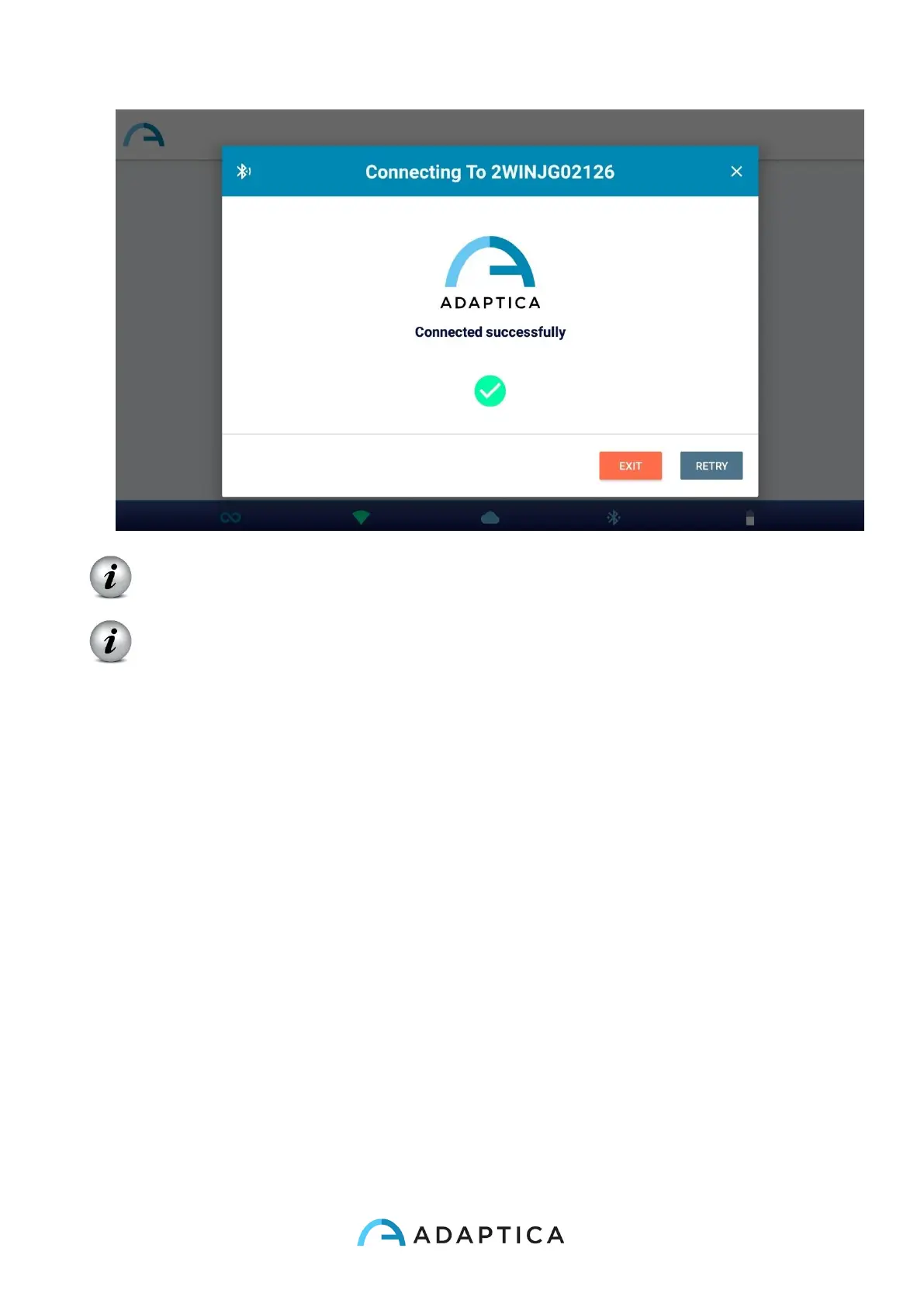
At the next launch KALEIDOS App will automatically reconnect to the paired 2WIN-
S, unless the user disconnects it.
KALEIDOS App is intended to be used to control 2WIN-S and it does not allow
2WIN remote control.
14.2 Refraction exams using KALEIDOS App
To take an exam using KALEIDOS App follow these steps:
1. Select “Start a new measurement” from KALEIDOS App main window
2. Insert patient name and date of birth. When the patient’s date of birth is set, the
correct age range is automatically selected. Then set the type of the measurement:
right eye, left eye or both eyes.
As alternative, you can just select the patient age range, without inserting patient’s
personal data.



 To Next Page