135
14.7 EMR connection setup
EMR connection feature allows to import patient data from an EMR system to the KALEIDOS
App and to send automatically the exam results from the KALEIDOS App back to the EMR
system.
EMR connection feature is already active if you are using a KALEIDOS Plus.
Otherwise, it requires an activation code. Please contact your local distributor to get
the activation code.
To setup EMR connection follow these steps:
1. Be sure that the tablet running KALEIDOS App and the EMR system PC are con-
nected to the same WiFi network.
2. Create a folder on the EMR system PC and share it on the network. This folder will
be the Shared Folder.
NOTE: if you create the Shared Folder as a subfolder, you must share the subfolder
only.
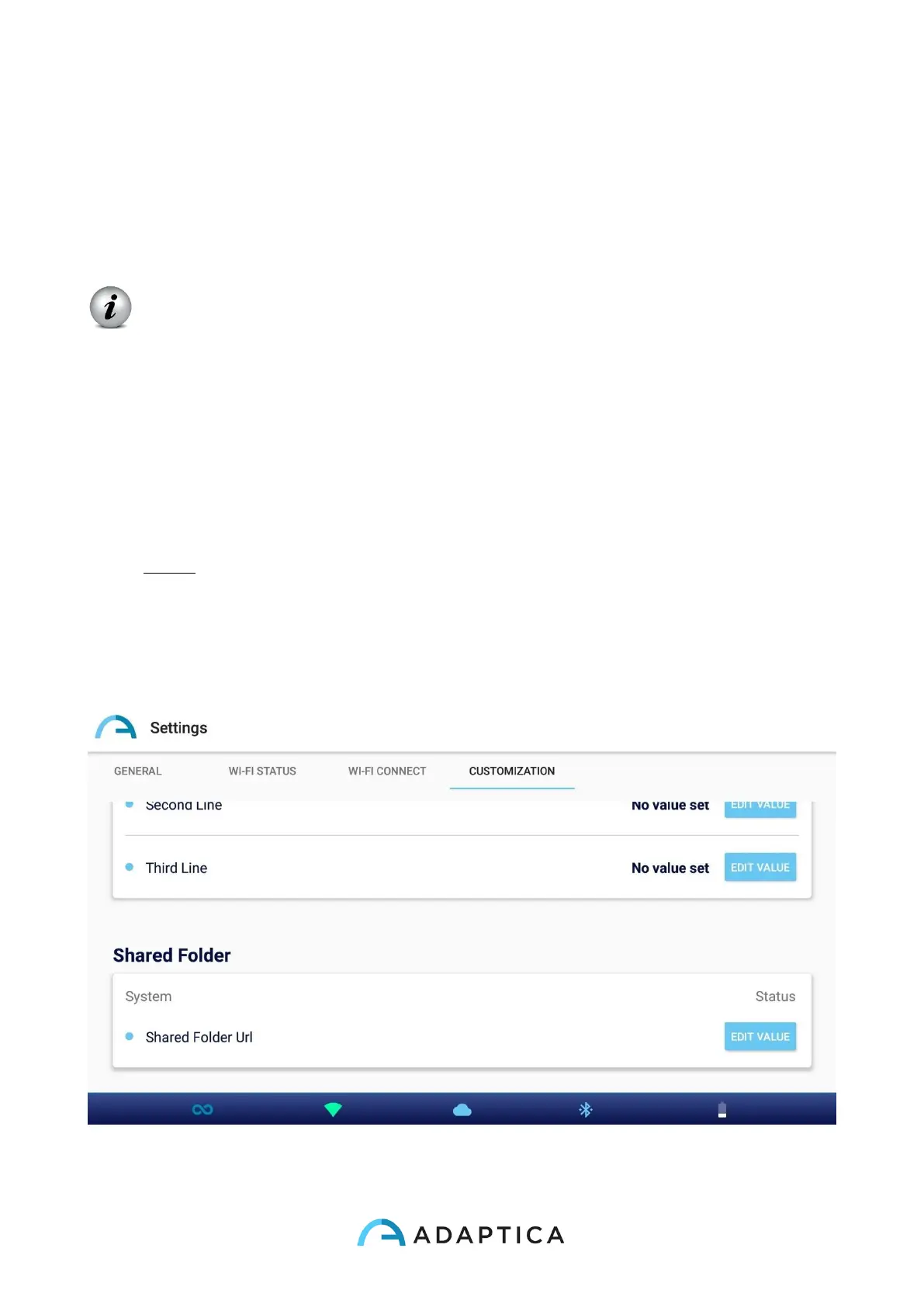
3. Run KALEIDOS App and tap on “App & device setup” icon, then select CUSTOMI-
ZATION tab.



 To Next Page