187
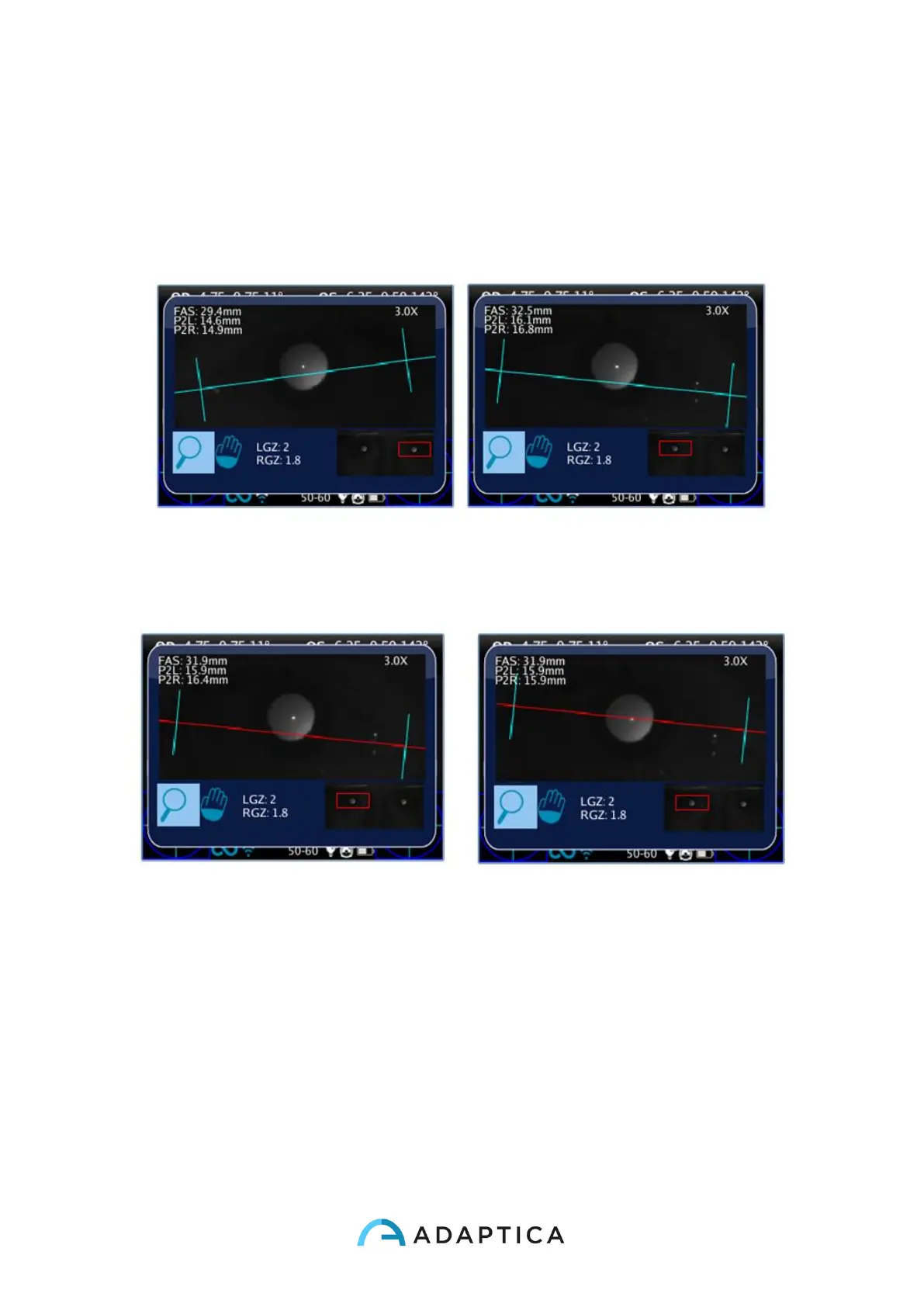
Eye Morphology measure
To change eye selection use MENU_LEFT and MENU_RIGHT keys. MENU_UP and
MENU_DOWN buttons change zoom value: to get Eye Morphology measure, the minimum
zoom factor is 2.8x. It is possible to change eye and zoom when no axes are selected/active
(all axes are blue).
With MENU key it is possible to change axis to set its position. First pression to move hori-
zontal axis: when selected the button shifts it up and down with MENU_UP and
MENU_DOWN, MENU_LEFT and MENU_RIGHT change inclination to match real eye po-
sition.
Press MENU again to select left and right vertical axes and move them with MENU_LEFT
and MENU_RIGHT. Pressing MENU again to go out of axes selection and to change eye
or modify zoom factor.



 To Next Page