117
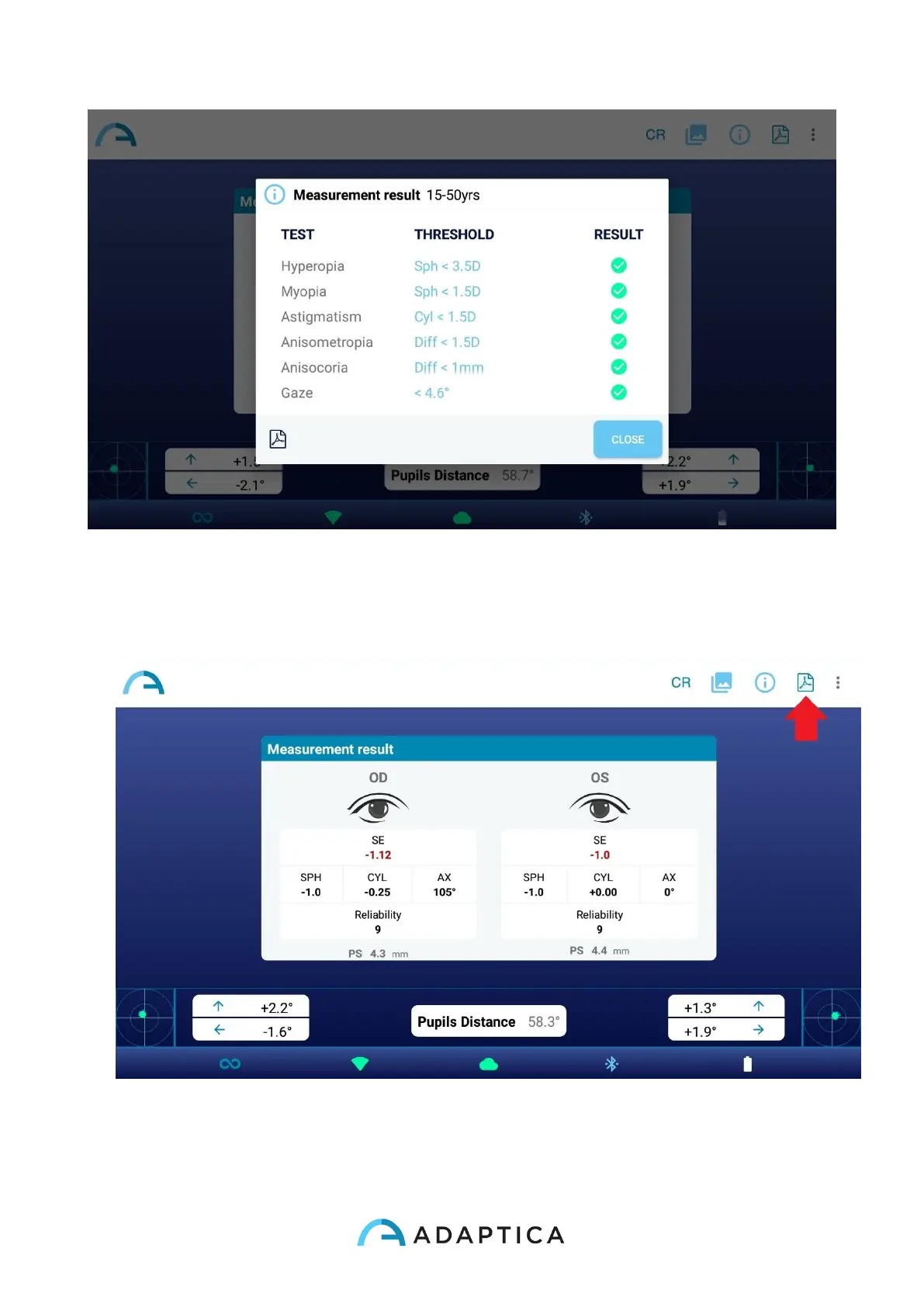
8. Tap on the PDF icon below the screening results table to generate the PDF report of
the exam. As alternative, you can create the PDF report tapping on the PDF icon on
measurement results window.
9. To save the measurement press Save button on the dropdown menu that appears
clicking on the three dots on the top right of the results window. After saving, a
confirmation message appears.



 To Next Page