127
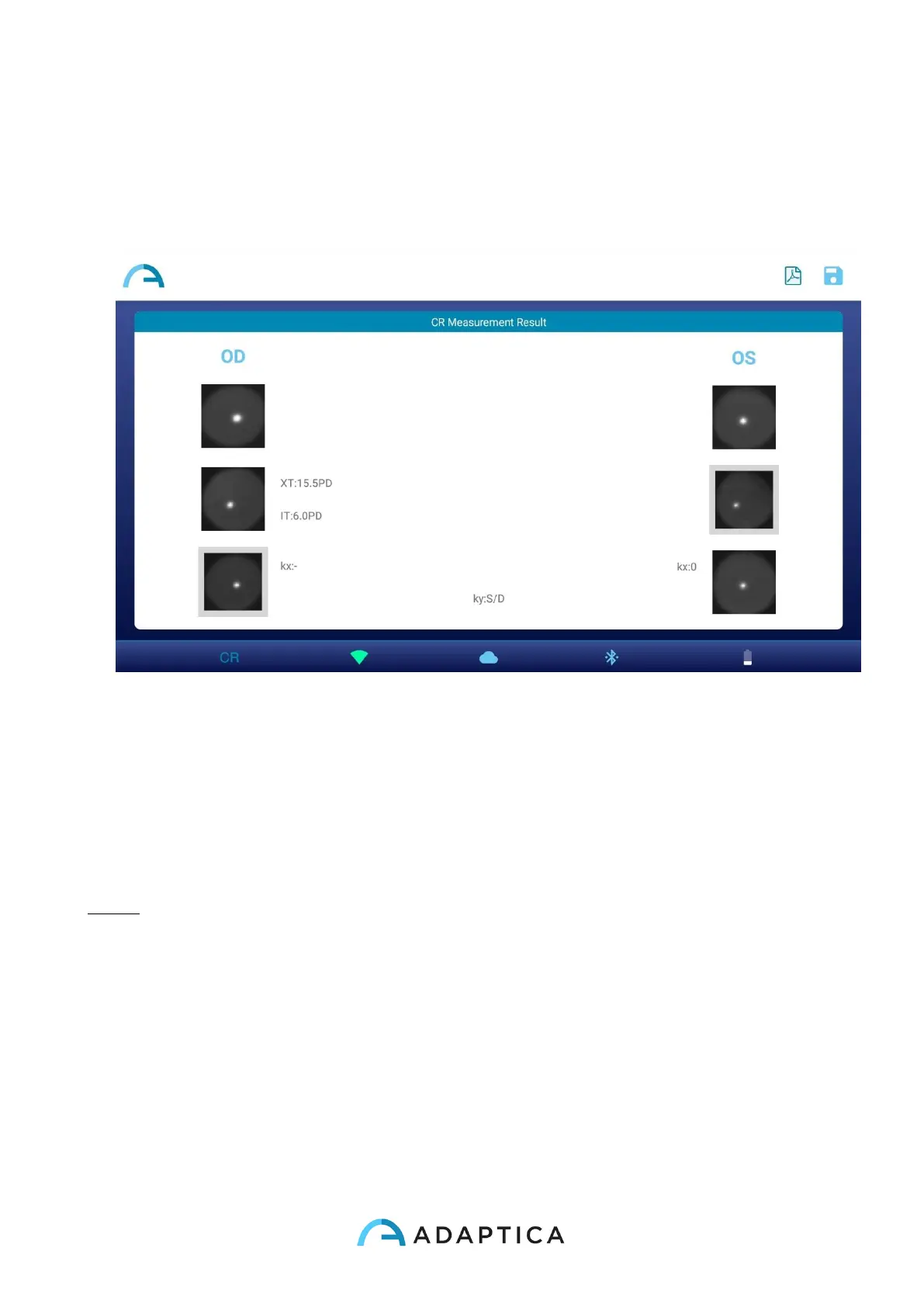
7. In CR Measurement Result window the patient’s pupils, acquired in the three
measurements, are displayed. Next to the pupils the result of the cover test is
reported. Please refer to the following paragraph for the interpretation of CR
Measurement results.
8. Create the exam report by pressing on the PDF Report button on CR Measurement
Result window.
9. To save the measurement press SAVE button on CR Measurement Result window.
When the saving is complete a confirmation message appears.
NOTE: You can also start a CR exam just after a 2WIN (Refraction) exam, by tapping on
the CR button in 2WIN exam Measurement Result window. In this way, the CR exam will
start with the same patient data used for the 2WIN (Refraction) exam.



 To Next Page