144
Note: make sure that the microSD card is inside the 2WIN, and that the 2WIN is not
connected to any PC with USB cable before proceeding.
If you decline the update pressing CANCEL the message will disappear until next update
check, if you want to update your 2WIN press OK button, and the software download will
start.
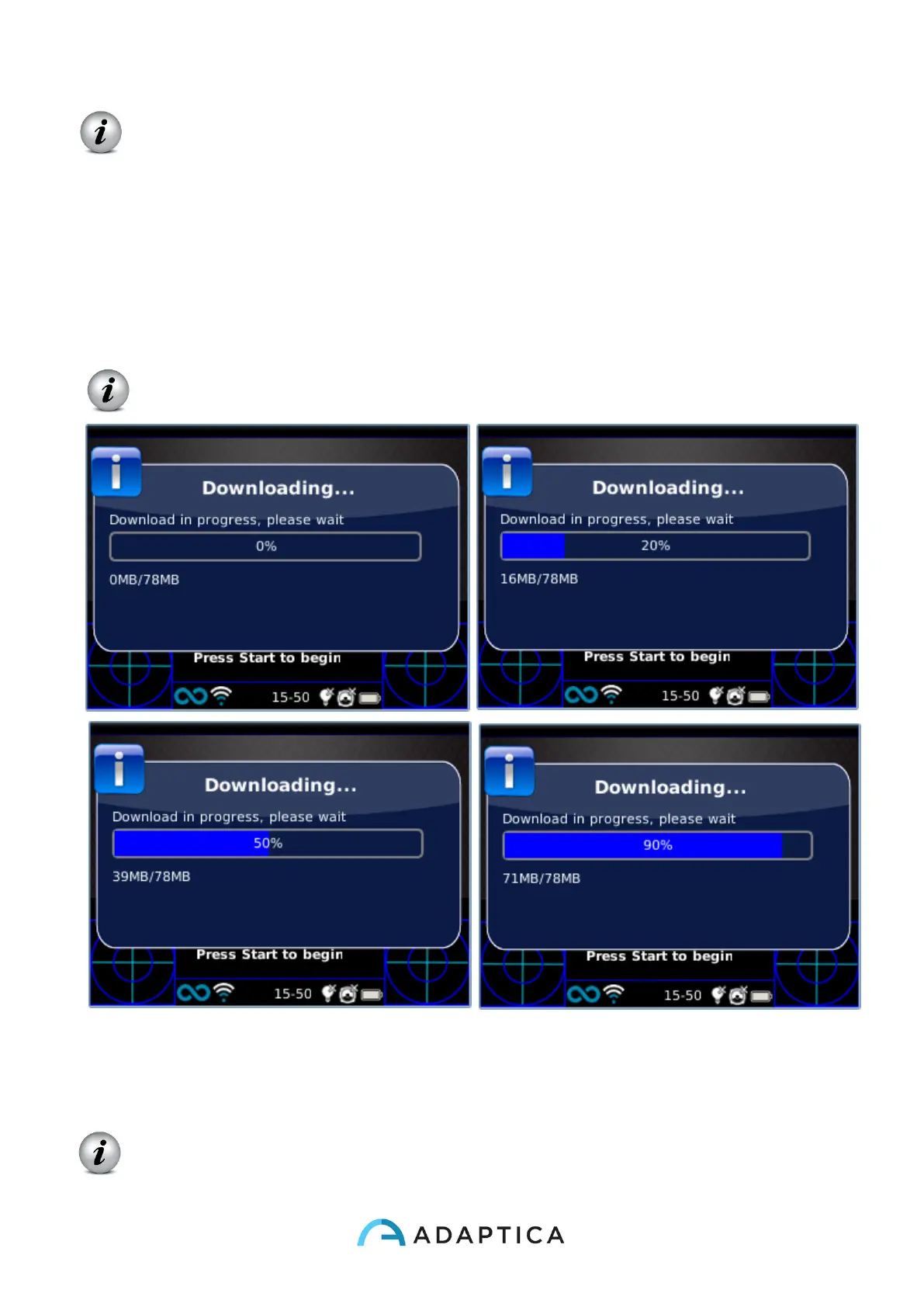
Software update size is about 80MB, with a standard ADSL/VDSL/FIBER connection the
download should take just few seconds or minutes, depending from the internet access
speed.
Note: please do not remove the battery or the microSD card during this procedure.
After the download, 2WIN will extract the update inside the microSD card, this procedure
takes less than a minute and the 2WIN will show you a waiting message until extraction has
finished.
Note: please do not remove the battery or the microSD card during this procedure.



 To Next Page