28
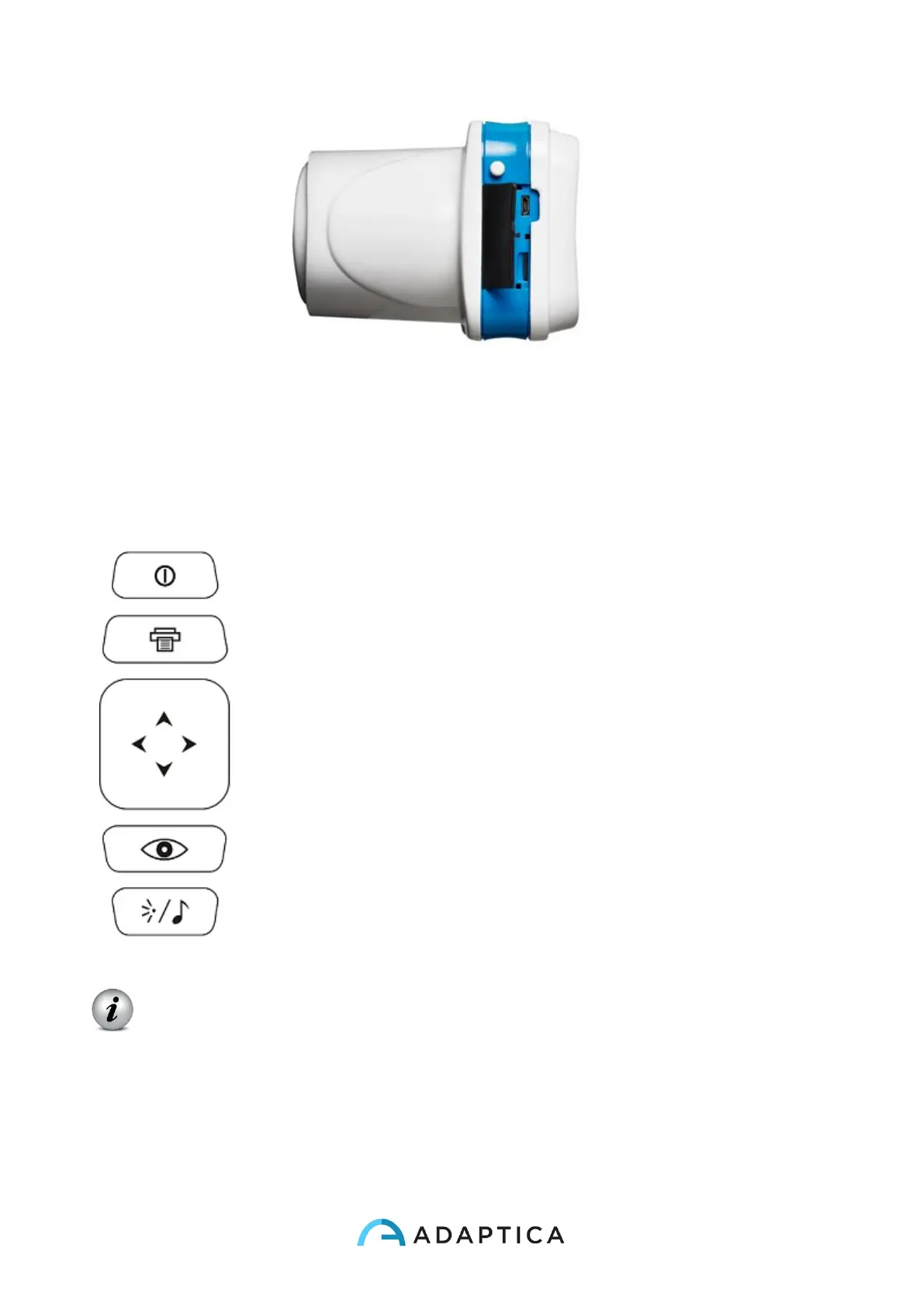
Open connection door
On the bottom of the device there is also a 1/4”-20 threaded hole for a tripod.
A summary of the functions of the buttons is reported below.
IMPORTANT NOTE: the buttons have different behaviours within the different
submenus, these will be described in the manual in the corresponding paragraphs.
Long CENTRE push to display Contextual help that explain buttons functionality.
The CROSS BUTTON features contextual functions:
At starting the CROSS BUTTON is used to activate the menu and navigation:



 To Next Page