44
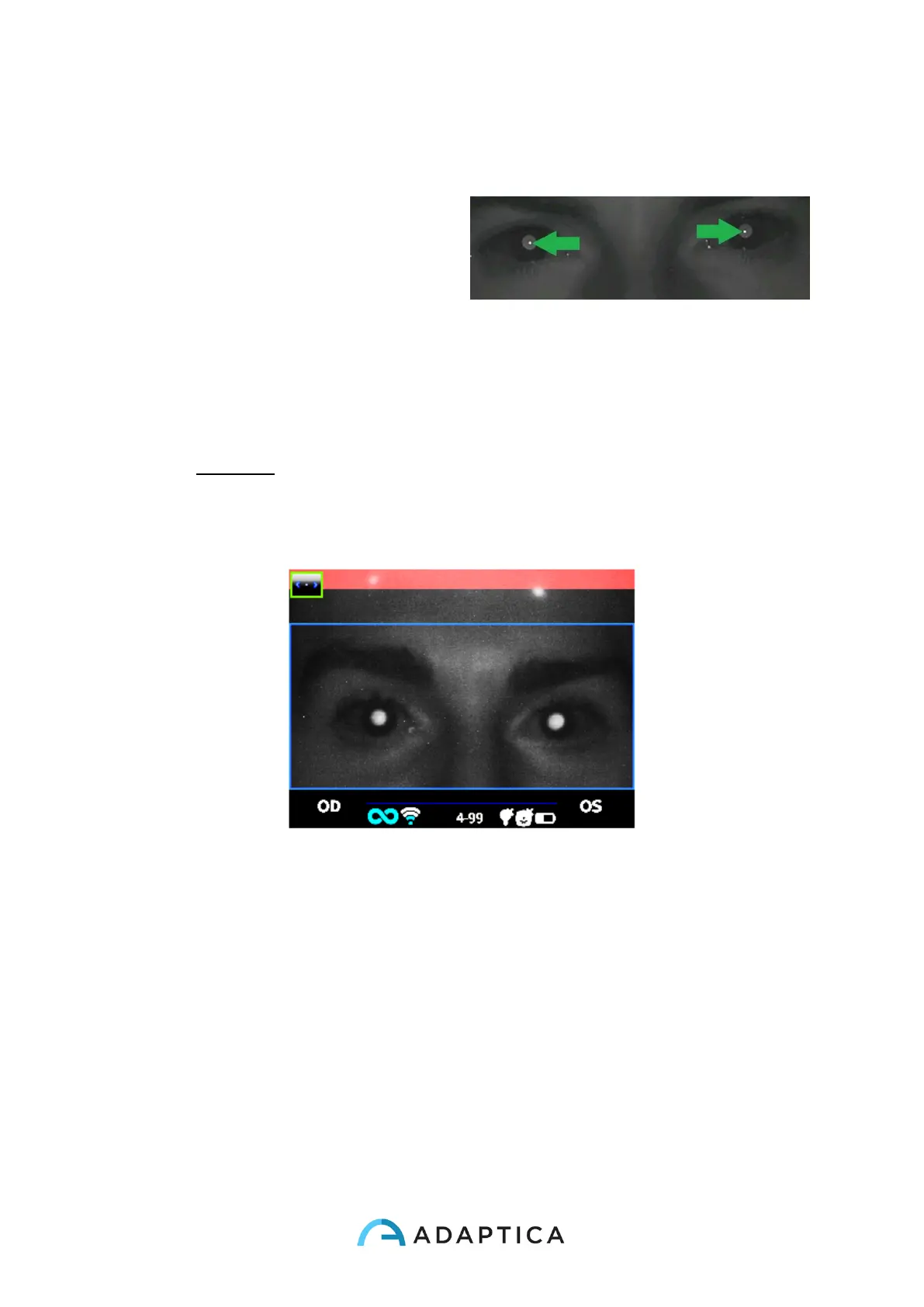
Measurement tips: usually the RED condition depends on a bad distance between the
2WIN and the patient. When the top bar is RED adjust the distance between the 2WIN
and the patient in order to focus the image and to obtain a GREEN top bar.
Try every time to focus as best as
you can, looking at the corneal
reflex. The corneal reflex focusing
indicator must be as sharp as
possible and as high as possible.
Sharp corneal reflexes
The steps to perform a measurement are summarized in the following list:
1. Once the conditions for the measurement are met, hold the device in your hands and
point it towards the patient.
2. Press and hold BUTTON S1 or S2, in order to start the measurement.
3. Centre the eye/s of the patient in the display live area, inside the blue rectangle
(measurement area) – the message “FOCUSING” will appear.
Examination screen – bad focus
4. Adjust the distance to focus the image until the top bar is green and the focusing
indicator based on corneal reflex shape appears in the centre of the screen.



 To Next Page