56
Print screening on IRDA: enables/disables printing the full exam through IrDA to
portable printer
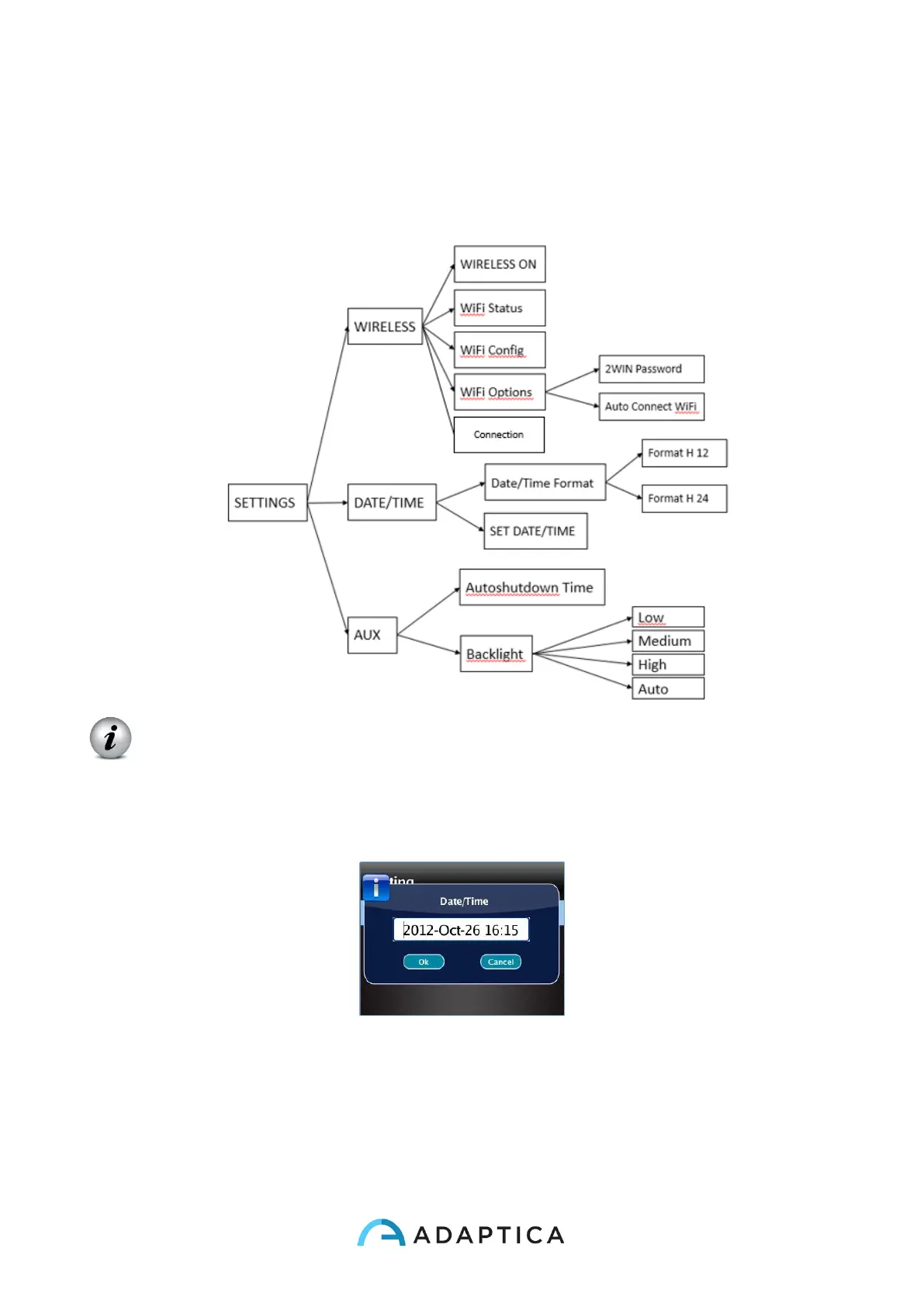
• The menu Settings configures three more features:
Wireless (optional, this item is visible only in devices with the WiFi module installed)
is described in Chapter 11.
Date/Time:
Date/Time Format allows to choose between H12 or H24 format.
Set Date/Time allows to set current date and time.
AUX: Autoshutdown sets the autoshutdown timing. Backlight sets the LCD display
backlight intensity, either between low, medium and high levels, or enabling automatic
light dimming, driven by an ambient light sensor. Please notice that the brighter the
display, the faster the battery gets discharged.



 To Next Page