79
0 2.5 4.5 3.5 2 2.5 1 4.6
2.5 4 4 3 2 2 1 4.6
4 15 4 3 2 2 1 4.6
15 50 3.5 1.5 1.5 1.5 1 4.6
50 60 3.5 1.5 1.5 1.5 1 4.6
60 99 3.5 1.5 1.5 1.5 1 4.6
Upload
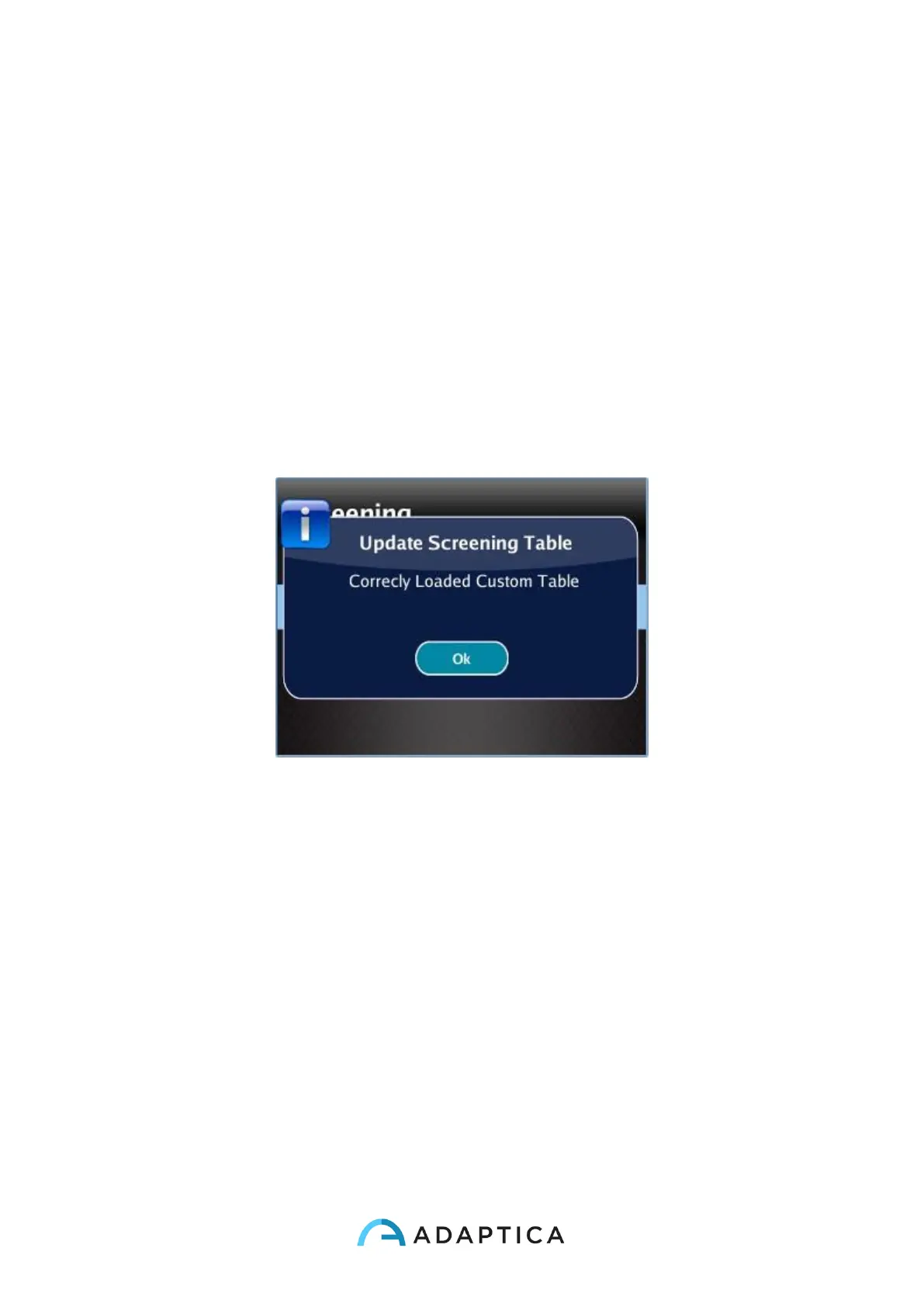
Uploading a table: from the menu Screening, select 'Update User Table', a message
indicates which table is uploaded (default or user) and if the table has been correctly loaded.
Screening Measurement Result
To display the Screening Measurement result, from the home screen, press the right button
of the Cross button.
The following window is visualized:



 To Next Page