37
Continued
COOL
06 M
TIME
0
8
08 M
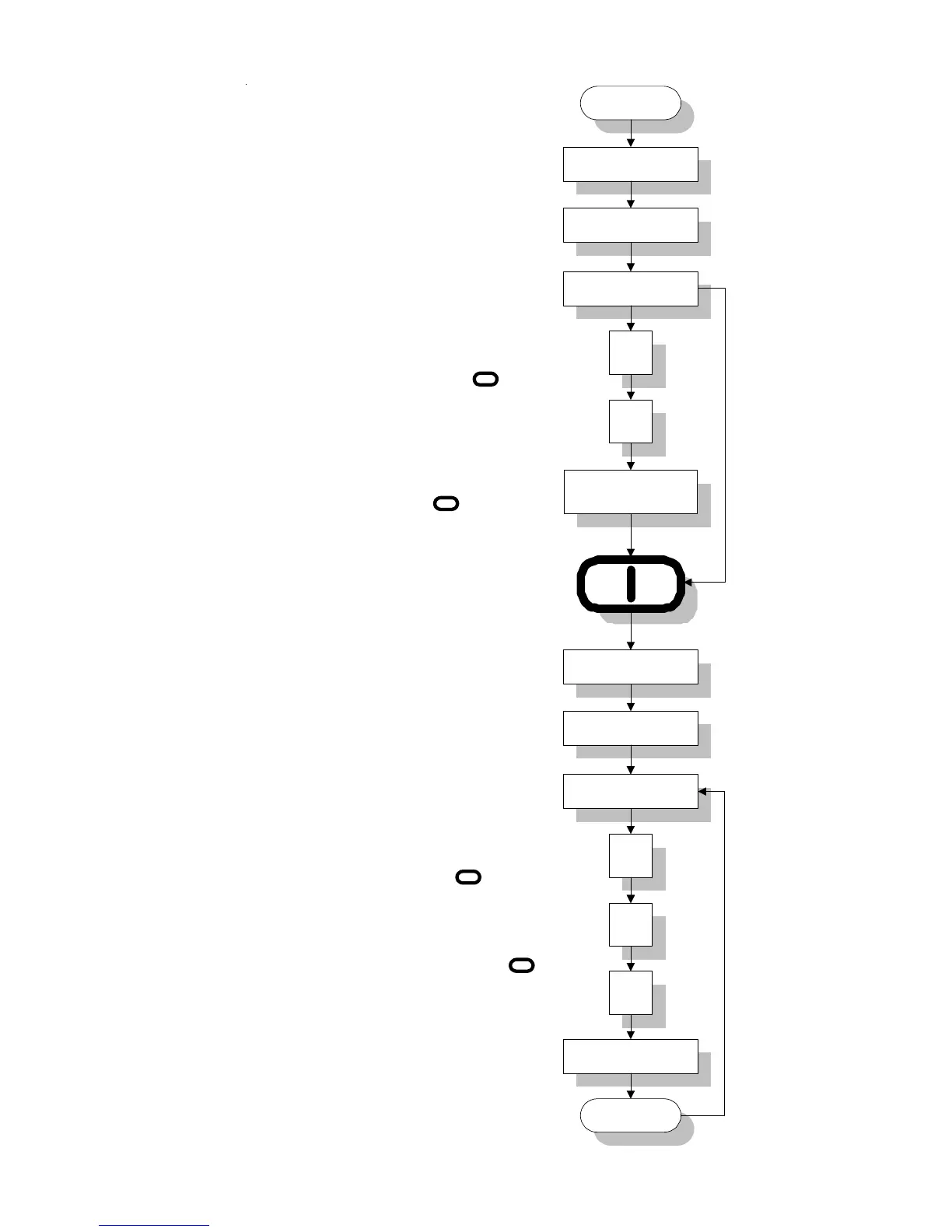
Display reads "COOL" for 1 second.
COOL
090 F
TEMP
0
8
080 F
Display reads "COOL" for 1 second.
Display reads "TIME" for 1 second.
Cool Down Time
Press "ENTER/START"
Key if no change. If a change
is necessary, enter time
change (0 to 99 minutes in
increments of 1 minute). I.e.,
for 8 minutes, press Key "0",
Key "8" and then press
"ENTER/START" Key.
Display reads "TEMP" for 1 second.
Cool Down Temperature.
Press "ENTER/START" Key if
no change. If a change is necessary,
enter temperature change (70ºF to
100ºF in increments of 1ºF). I.e., for
80ºF, press Key "0", Key "8", Key "0"
and then press "ENTER/START"
Key.
Reversing Models
Continued
0
I
I
I
I



 To Next Page