Set Up A Root User
To change ordinary user into root user on the terminal, you need to setup up a password
for the user by entering the following command in the terminal oftheRPi:
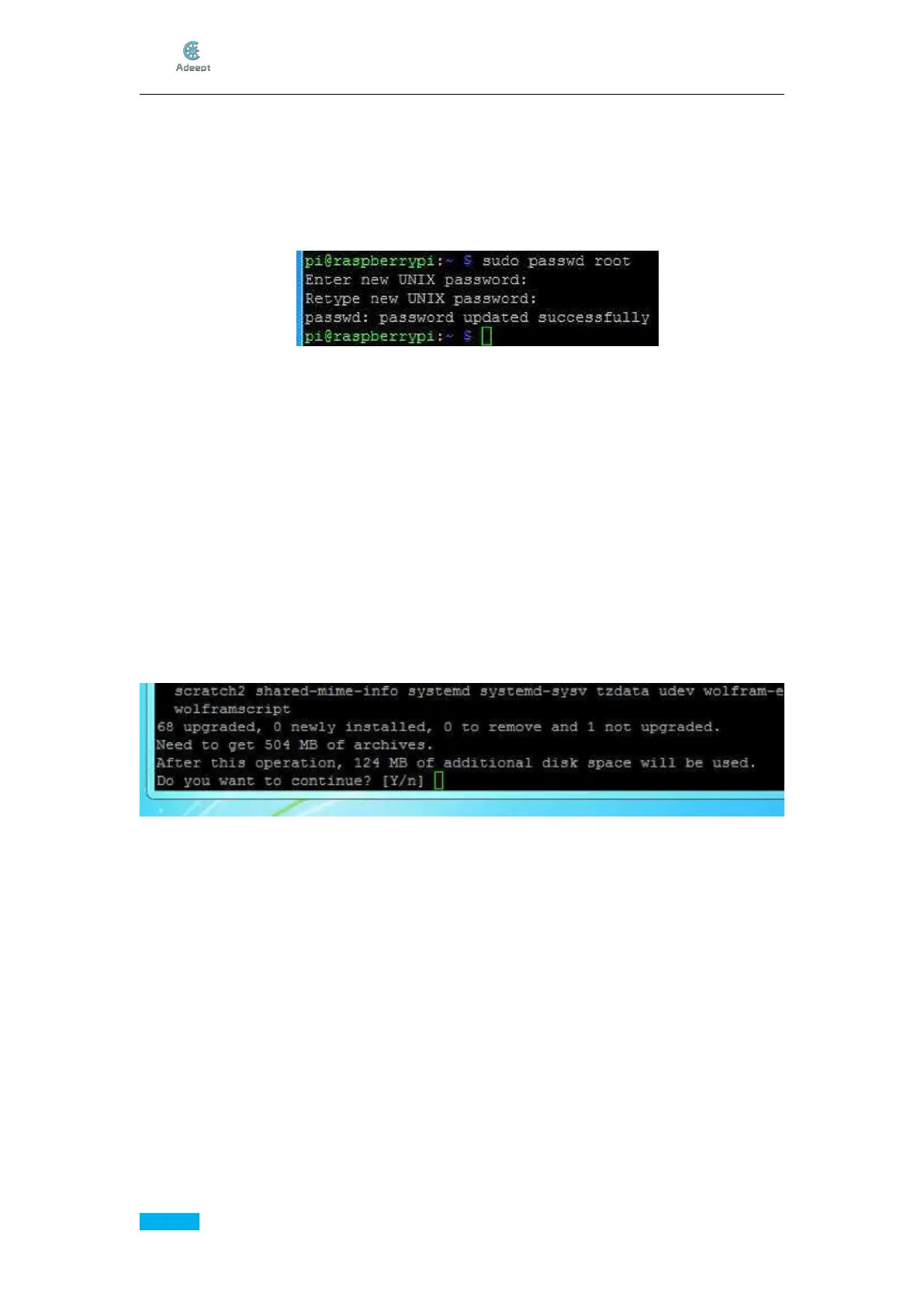
sudo passwd root
Enter the passwd twice, as shown below:
Log in as Root User
Type in the following command in the terminal of the Raspberry Pi:
su –
Press Enter, and type in the password to confirm.
Update System
The system you downloaded may not be the latest version and it may cause
inconvenience in the subsequent operations. Here we first upgrade the system of the
Raspberry Pi. Type in the following command:
sudo apt-get update
The apt-get update command is to acquire the up-to-date software lists and update all the
software, to provide the latest software for next system upgrade.
sudo apt-get upgrade
The window will prompts "Do you want to continue", type in Y and press Enter.
It may take some time for the system upgrade. During this period, do not carry out any
operations with the Raspberry Pi until it's done.
In this process, you may continue reading the following contents to download the Python
3.7and OpenCV under the Windows system.



 To Next Page