Using Help | Contents | Index Back 191
Adobe Illustrator Help Using Transparency, Gradients, and Patterns
Using Help | Contents | Index Back 191
Using Transparency, Gradients,
and Patterns
About transparency
In Illustrator, you can add transparency to your artwork in a variety of ways. You can vary
the degree of transparency of an object, a group of objects, or a layer from 100% opacity
(completely solid) to 0% opacity (completely transparent). When you decrease an object’s
opacity, the underlying artwork becomes visible through the surface of the object.
Using commands in the Transparency palette, you can also create special effects,
such as knocking out underlying colors, or creating graduated transparencies or blends.
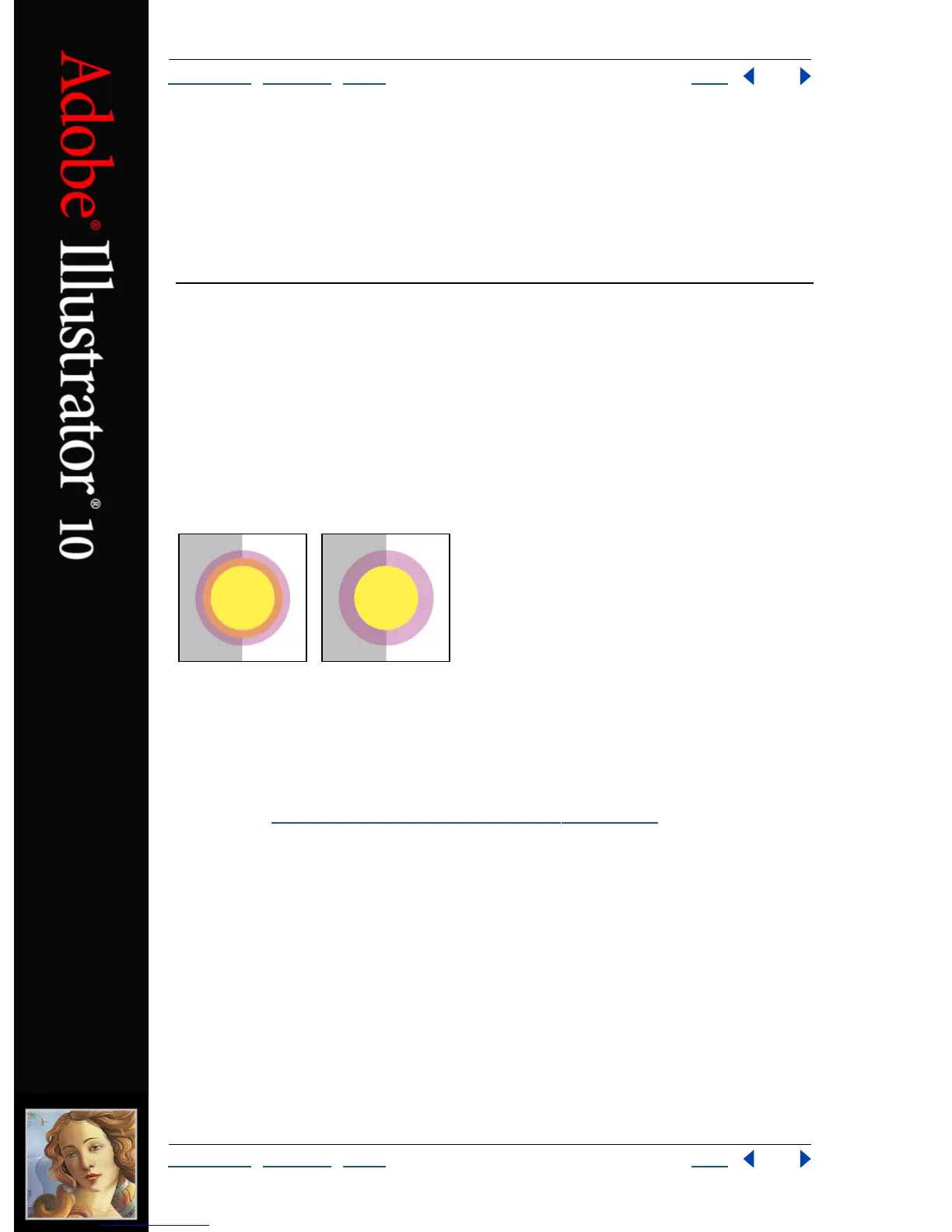
For example, you can use the Knockout option in the Transparency palette to have an
overlapping stroke knock out the color of the underlying fill.
Filled circle and overlying stroke without Knockout Group option (left) and with Knockout Group
option applied (right).
Transparency is such an integral part of Illustrator that it’s possible to add transparency to
your artwork without realizing it. For example, applying effects and styles may introduce
transparency into your artwork. It’s important to be aware of when you’re using trans-
parency because you need set some extra options when printing and saving transparent
artwork. (See “
Printing and saving transparent artwork” on page 336.)
Using grouped objects with the Transparency palette
By default the Transparency palette acts on objects, but you can also use it to create
unique transparency effects at the group or layer level.
If you simply select objects and change the opacity setting, the selected objects’ opacity
will change relative to the others. Any overlapping areas will show an accumulated
opacity.



 To Next Page