Using Help | Contents | Index Back 395
Adobe Illustrator Help Macintosh Shortcuts
Using Help | Contents | Index Back 395
Macintosh Shortcuts
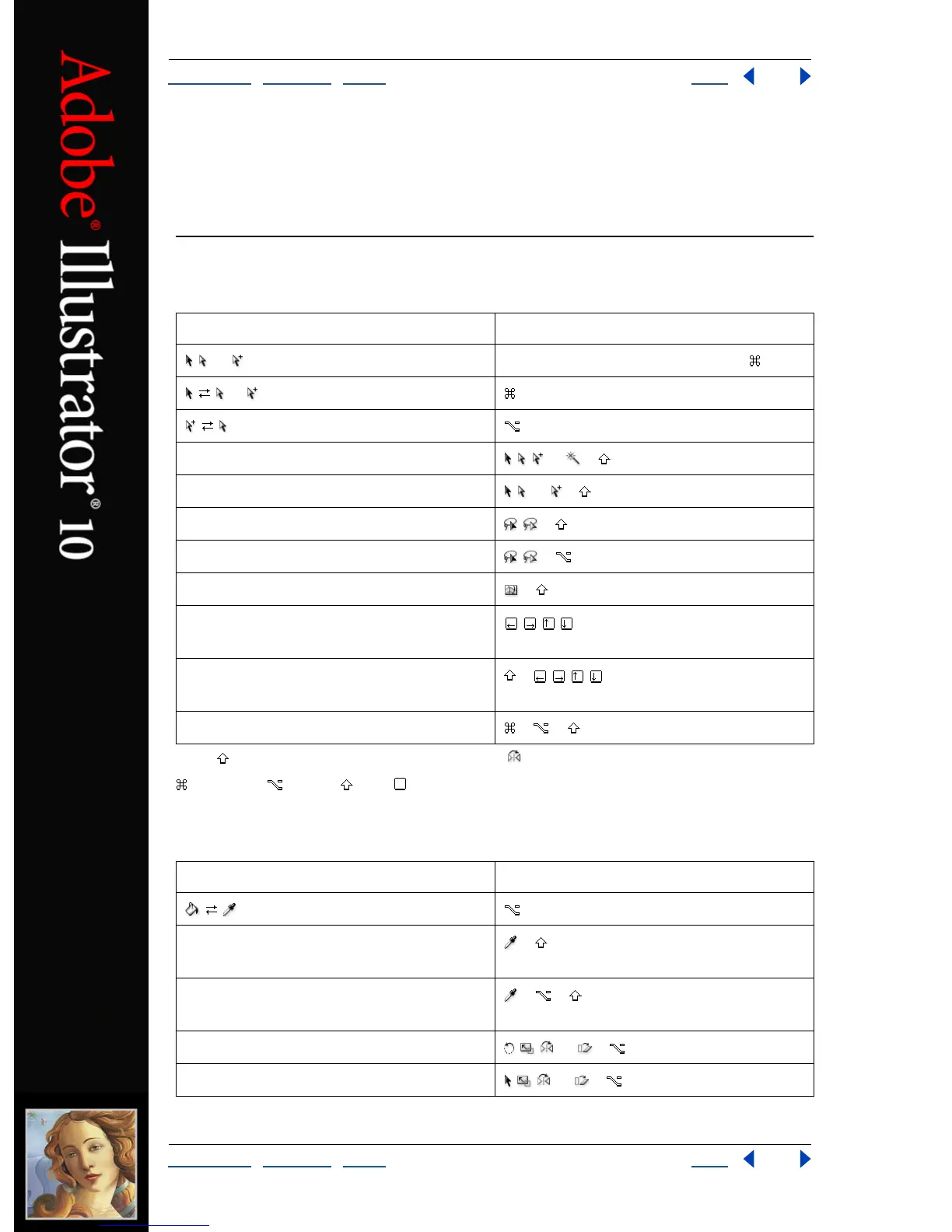
Selecting and moving
*Press to constrain movement to 45° angles (except ).
Command Option Shift Key
Painting and transforming
Result Action
, , or (last used) Any tool (except selection tools) +
or (last used) + Ctrl + Tab
–click tool
Adds to a selection , , or +
Subtracts from a selection , , or +
Adds to lasso selection , + + drag
Subtracts from a lasso selection , + + drag
Constrains to follow mesh line + –drag mesh point
Moves selection in user defined
increments
Moves selection in 10x user defined
increments
+
Locks all deselected artwork + + + 2
Result Action
Samples color from an image or
intermediate color from gradient
+
Samples style and appends appearance of
currently selected item
+ + –click
Sets origin point and opens dialog box , , , or + –click
Duplicates and transforms selection , , , or + –drag



 To Next Page