Using Help | Contents | Index Back 394
Adobe Illustrator Help Using Graphs
Using Help | Contents | Index Back 394
The design is scaled so that the backmost rectangle in the design is the same size as the
default square marker on the line or scatter graph.
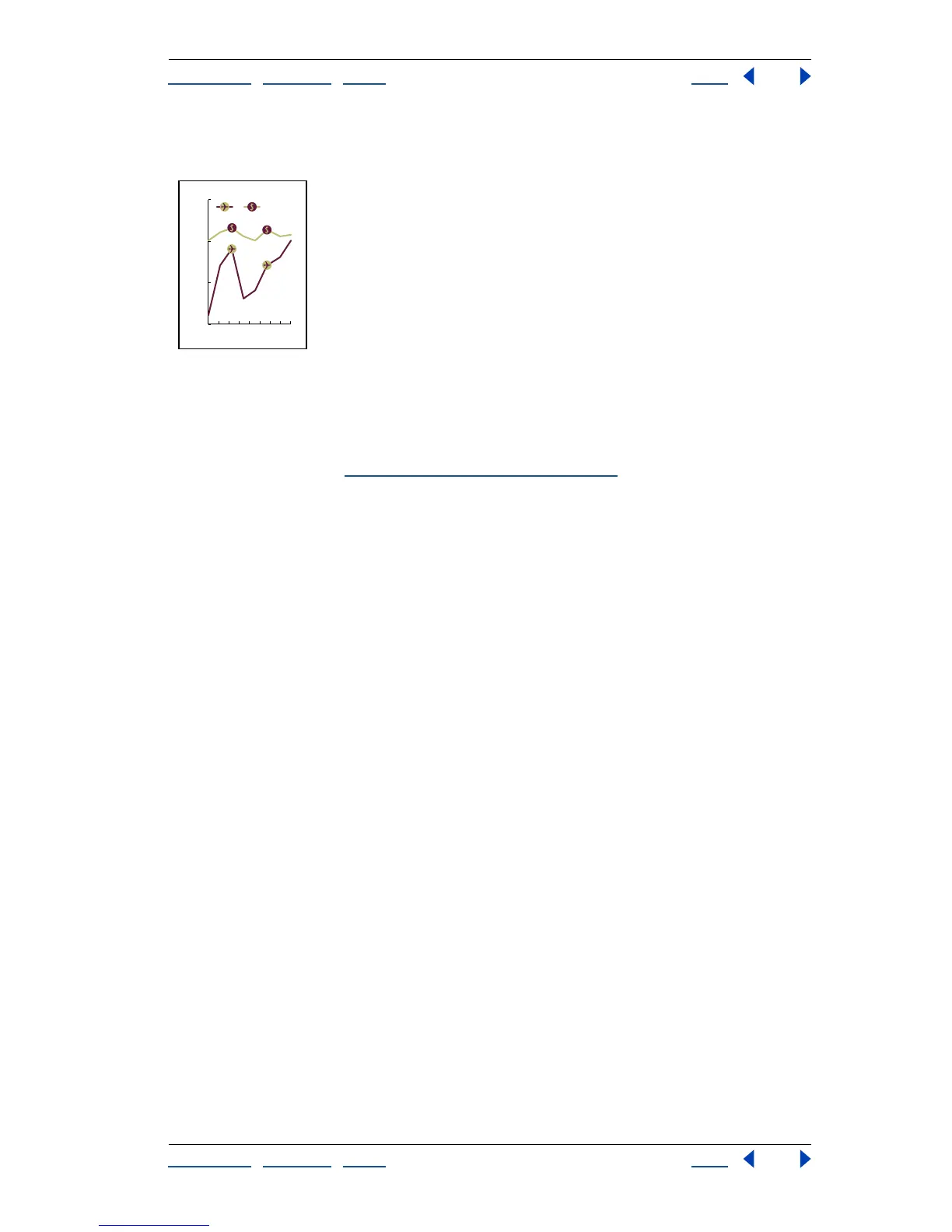
Line graph with marker designs
Reusing a graph design
You can reuse a graph design that you created and edit it to make a new design. If you
have the original artwork, you can alter it and then rename the design using the Graph
Design dialog box. (See “
Creating a graph design” on page 391.)
If you don’t have the original artwork defined as a graph design, you can retrieve the
original by pasting the graph design into your artwork.
To paste an existing graph design into your artwork:
1 Choose Select > Deselect to deselect all of the artwork.
2 Choose Object > Graph > Design.
3 Select the graph design that you want to paste into your artwork, and click Paste
Design.
4 Click OK. The graph design is pasted into your artwork. You can now edit it and define it
as a new graph design.
150
200
250
300
BA
87654321



 To Next Page