Using Help | Contents | Index Back 303
Adobe Illustrator Help Preparing Graphics for the Web
Using Help | Contents | Index Back 303
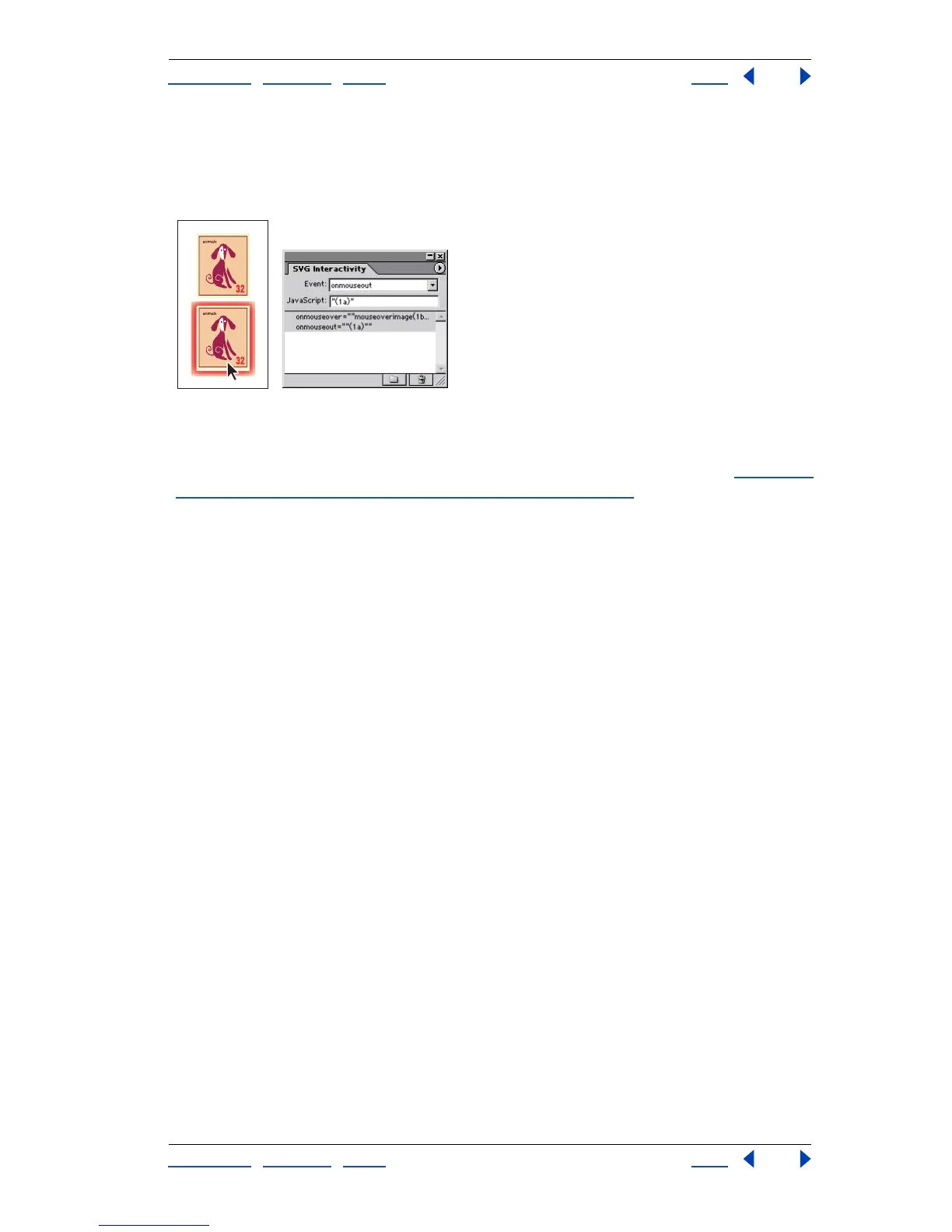
To add SVG interactivity features to your artwork, select an object using a selection tool,
and then add the event and corresponding JavaScript to that object in the SVG Interac-
tivity palette. For example, you could select an object in your artwork and specify that the
object will move on a Web page when a user clicks on the object in a Web browser.
Object with normal appearance and with glow activated by mouse rollover
To add a JavaScript event to an object:
1 Select an object on the artboard, or target an item in the Layers palette. (See “
Changing
the appearance of artwork using the Layers palette” on page 223.)
2 Choose Window > SVG Interactivity.
3 In the SVG Interactivity palette, choose an event in the Event pop-up menu:
• onfocusin to trigger the action when the element receives focus, such as selection by
the pointer.
• onfocusout to trigger the action when the element loses focus, often when another
element receives focus.
• onactivate to trigger the action with a mouse click or keypress, depending upon the
SVG element.
• onmousedown to trigger the action when the mouse button is pressed down over an
element.
• onmouseup to trigger the action when the mouse button is released over an element.
• onclick to trigger the action when the mouse is clicked over an element.
• onmouseover to trigger the action when the pointer is moved onto an element.
• onmousemove to trigger the action while the pointer is over an element.
• onmouseout to trigger the action when the pointer is moved away from an element.
• onkeydown to trigger the action when a key is pressed down.
• onkeypress to trigger the action while a key is pressed down.
• onkeyup to trigger the action when a key is released.
• onload to trigger the action after the SVG document has been completely read and
parsed. Use this event to call one-time only initialization functions.
• onerror to trigger the action when an element does not load properly or other error
occurs.
• onabort to trigger the action when the page loading is stopped before the element is
completely loaded.



 To Next Page