Quad Fiber Remote (QDFR) Unit Installation and Maintenance Practice
4 61181307L7-5E
Front Panel Pushbuttons
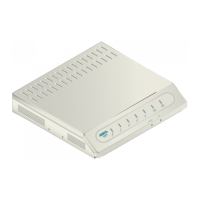
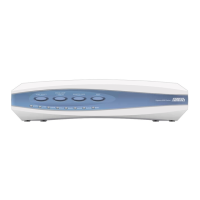
The QDFR has two pushbuttons located on the front panel:
• Channel Select (
CH SELECT)
•Loopback (
LBK)
To initiate a channel loopback at the QDFR, press
CH SELECT until the desired channel LED is
flashing, then press
LBK to initiate the loopback.
NOTE
This selection only pertains to the test jack and the pushbuttons.
The user may continue to initiate or terminate any loopback on any
channel via the craft port.
• To initiate a loopback at the QDFC, press the
LBK pushbutton for at least 3 seconds.
• To terminate active loopback(s), press the
LBK switch while any loopback is active.
NOTE
All loopbacks initiated by the QDFR pushbuttons are bilateral.
Data from the port input is sent to the port output, and data from
the network (fiber) is sent back to the fiber.
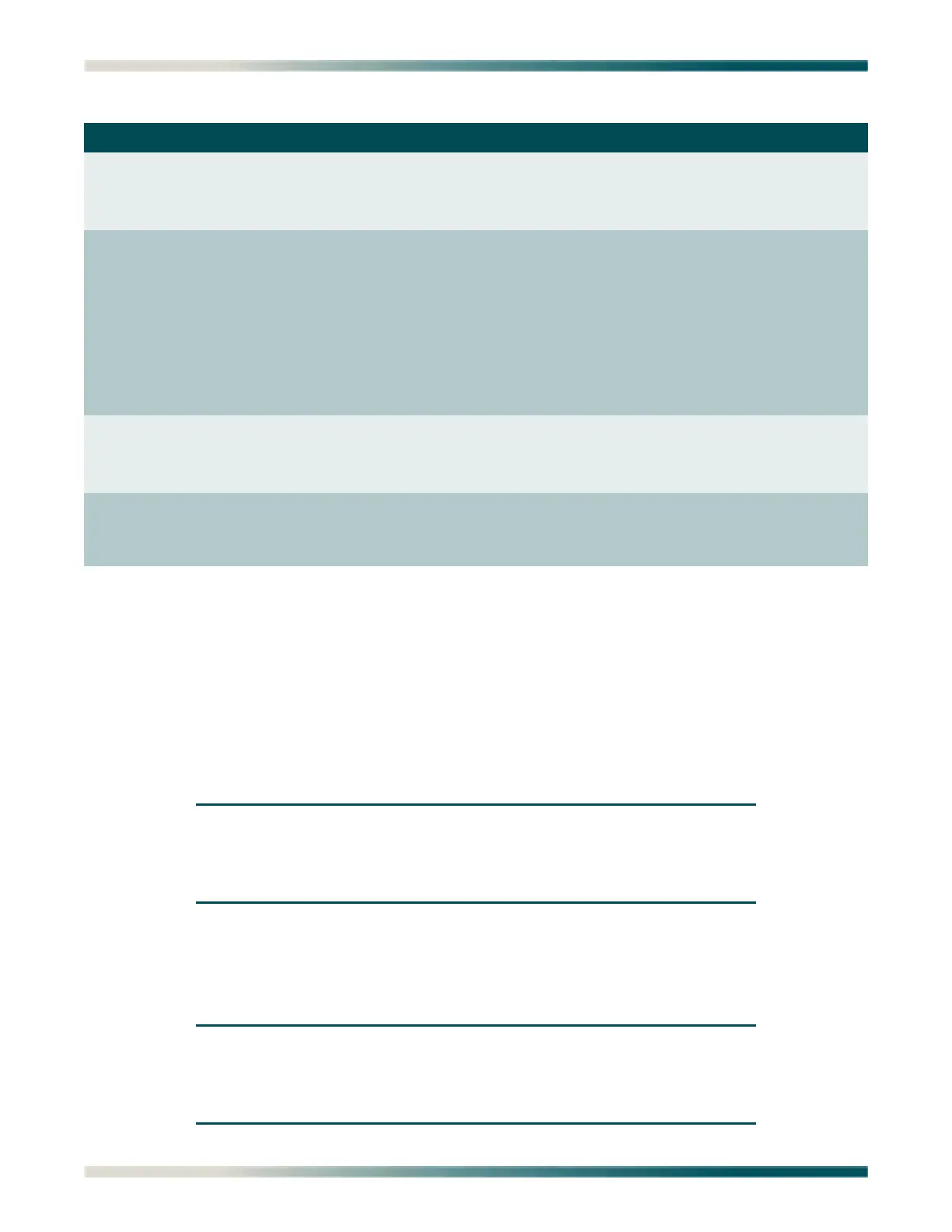
Table 2. Front Panel LEDs
Label Indications Description
OPT
z
z
/
Green
Red
Flashing (Red/Green)
Signal present
Loss of signal
Errored second
DS1 (1-4)
{
z
z
z
/
5
Off
Green
Yellow
Red
Flashing (Red/Green)
Flashing
Port Service state set to Out of Service: Unassigned
Good signal present
Near-end or Far-end loopback present
Loss of signal
Errored second
Port selected for loopback switches and test access;
flashing state times out 1 minute after channel
selection is made
LBK
NEND/FEND
{
z
z
Off
Green
Yellow
No loopback present on selected channel
Far-end loopback present on selected channel
Near-end loopback present on selected channel
TERM/MON
z
z
Green
Red
Test jack in Monitor mode on selected channel
Test jack enabled for Terminate mode (intrusive
access) on selected channel












 To Next Page