57
Production Graph and Temperature Graph
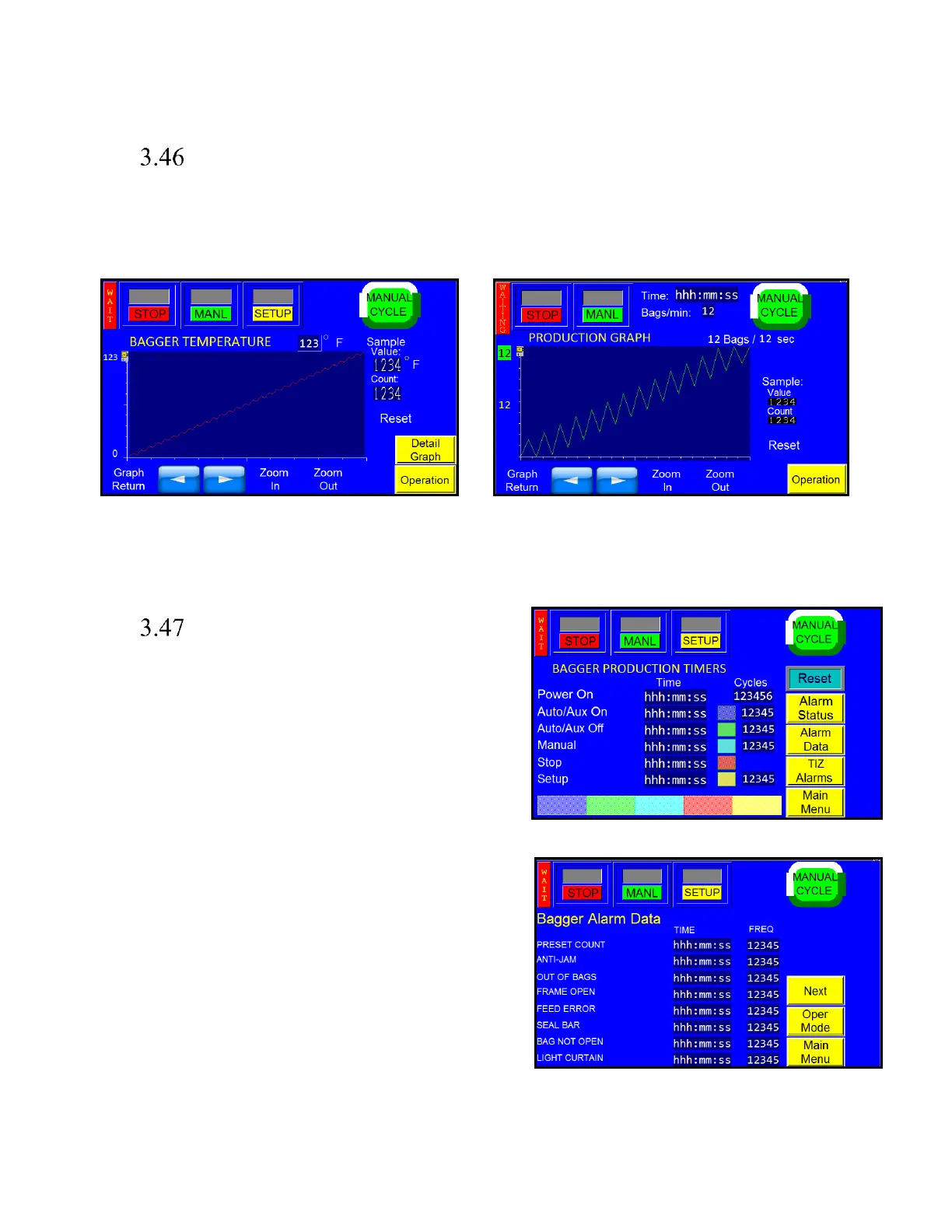
Simple production and temperature graphs are provided to chart production and temperature throughout the day.
See Figure 3 - 58 and Figure 3 - 59.
Press the <Reset> button once to reset the production time and twice to reset the graph.
Operation Mode Timers,
Alarms, & Alarm Data
Several Timers are provided to track Uptime and Downtime.
See Figure 3 - 60 and Figure 3 - 61.
Alarm logs are also provided.
Downtime can be analyzed by view Alarm Data screen which
sums all down time associated with each type of fault
condition and counts the number of occurrences of each
condition.
Note: Timers, Alarms and Data are automatically saved once
daily by the machine, either on the internal or external
memory, according to the machine setting. Each save creates
a new record in the file.



 To Next Page