Ground Resistance Tester Model 6471
55
8.
To proceed, accept the terms of the license agreement and click Next.
9. In the Customer Information window, enter a Name and Company, then click
Next.
10.
In the Setup Type window that appears, select the “Complete” radio button
option, then click Next.
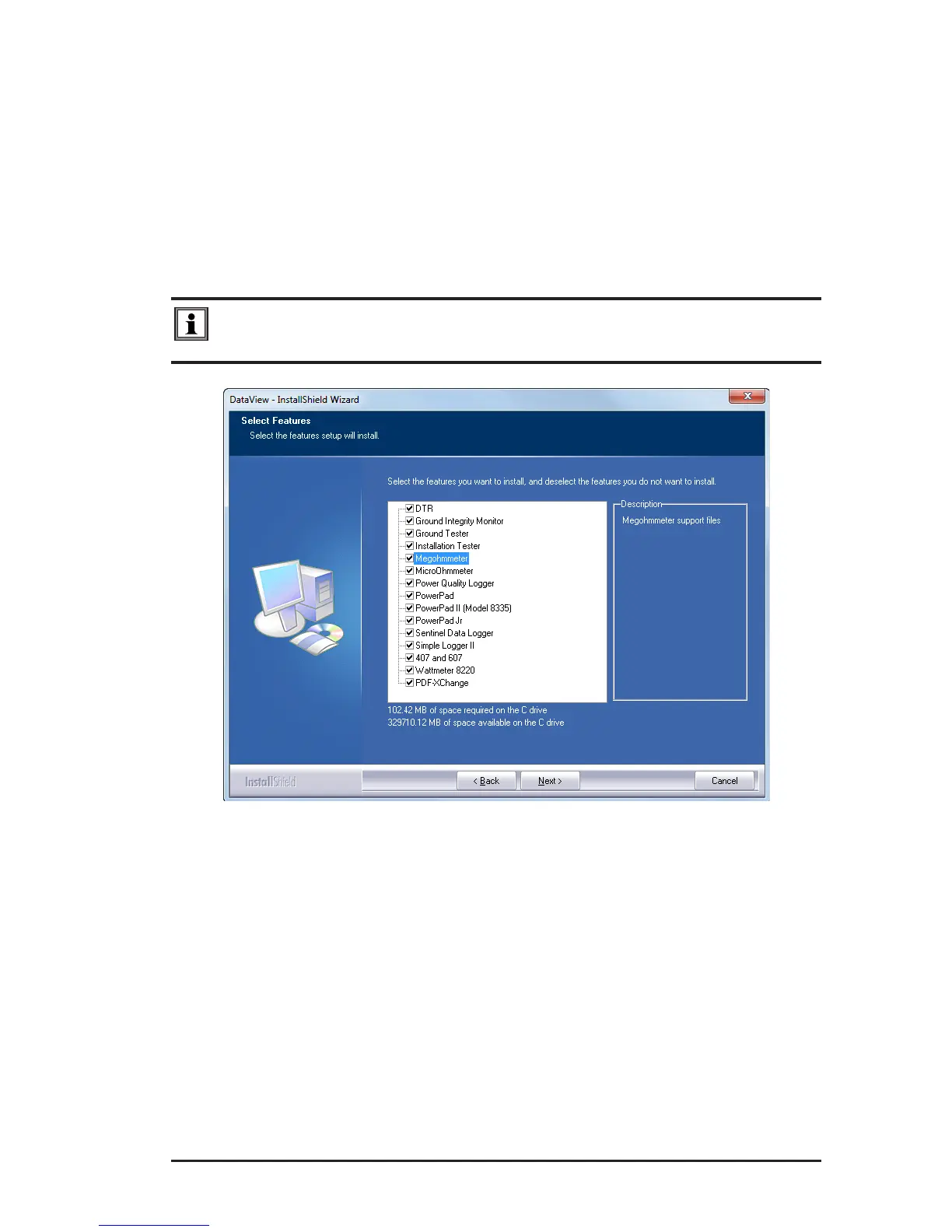
11. In the Select Features window that appears, select the instrument’s control
panel that you want to install, then click Next.
NOTE: The PDF-XChange option must be selected to be able to generate
PDF reports from within DataView
®
.
Figure 8-2
www.ShopAEMC.com
Shop for AEMC products online at:
1.888.610.7664



 To Next Page