12
Particularly, the following parameters must be forced for a p2p connection with the Ethernet-RS485 module:
— IP address: 192.168.127.5
— Subnet mask: 255.255.255.0
— Default gateway: leave empty
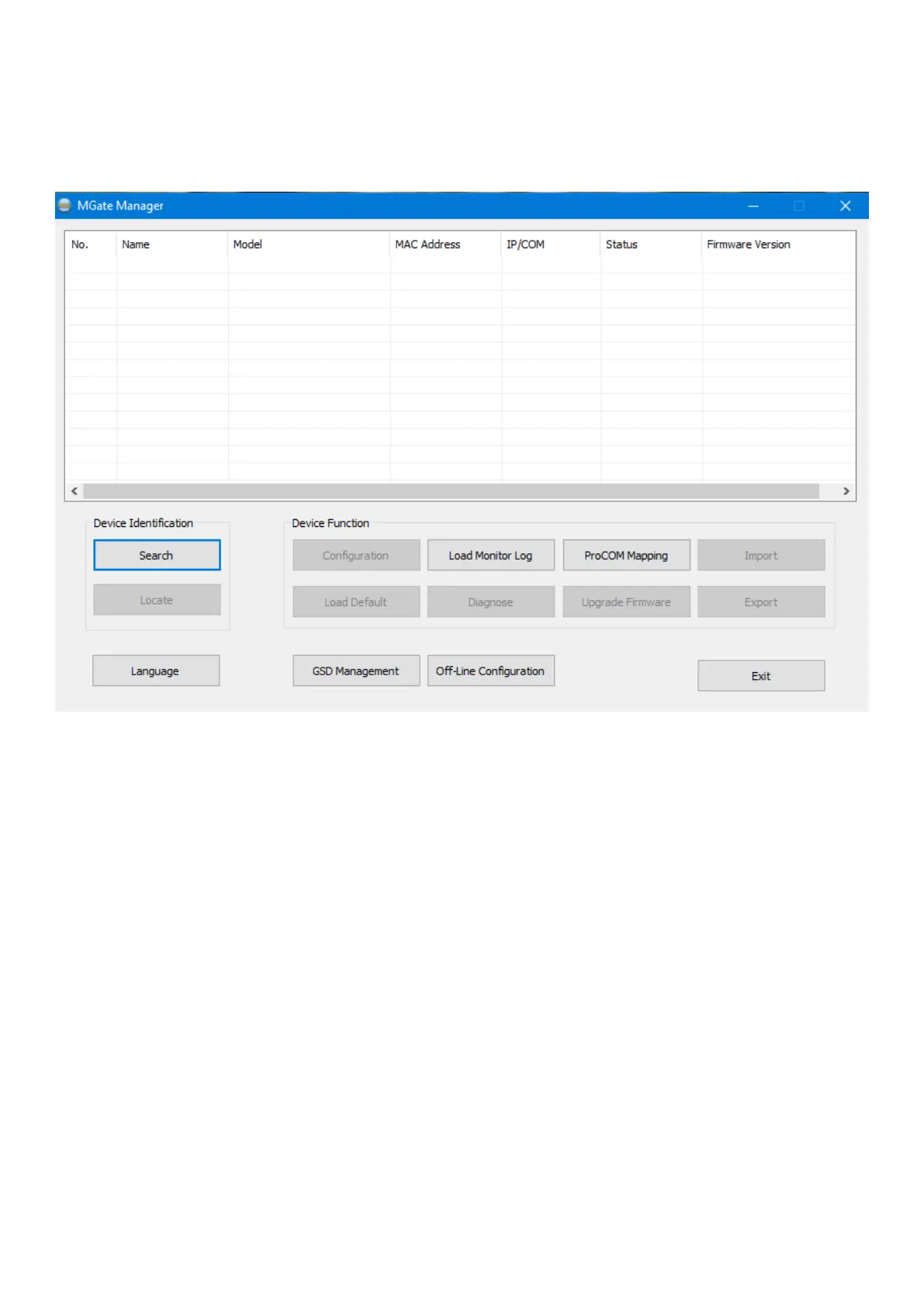
For conguration of the MGate MB3180 devices in the infrastructure you must use the MGateManager software provided.
Below are the steps for converter conguration.
1. Connect the MGate devices to the ethernet (see device instructions)
2. Launch the MgateManager program in a PC connected to the ethernet where the MB3180 converters are:


 To Next Page