17
3.2 CONFIGURATION OF THE AERCONNECT WEBSERVER
Like the Ethernet-RS485 interface, the AerConnect webserver must use the “AerConnect.exe” software to be congured. Below are the required steps to operate the module.
Attention: during installation, rules are applied to the windows rewall to allow the program to use the PC network. In some cases it must be veried
that there are no additional rewalls, such as anti-virus, which block the communication channels.
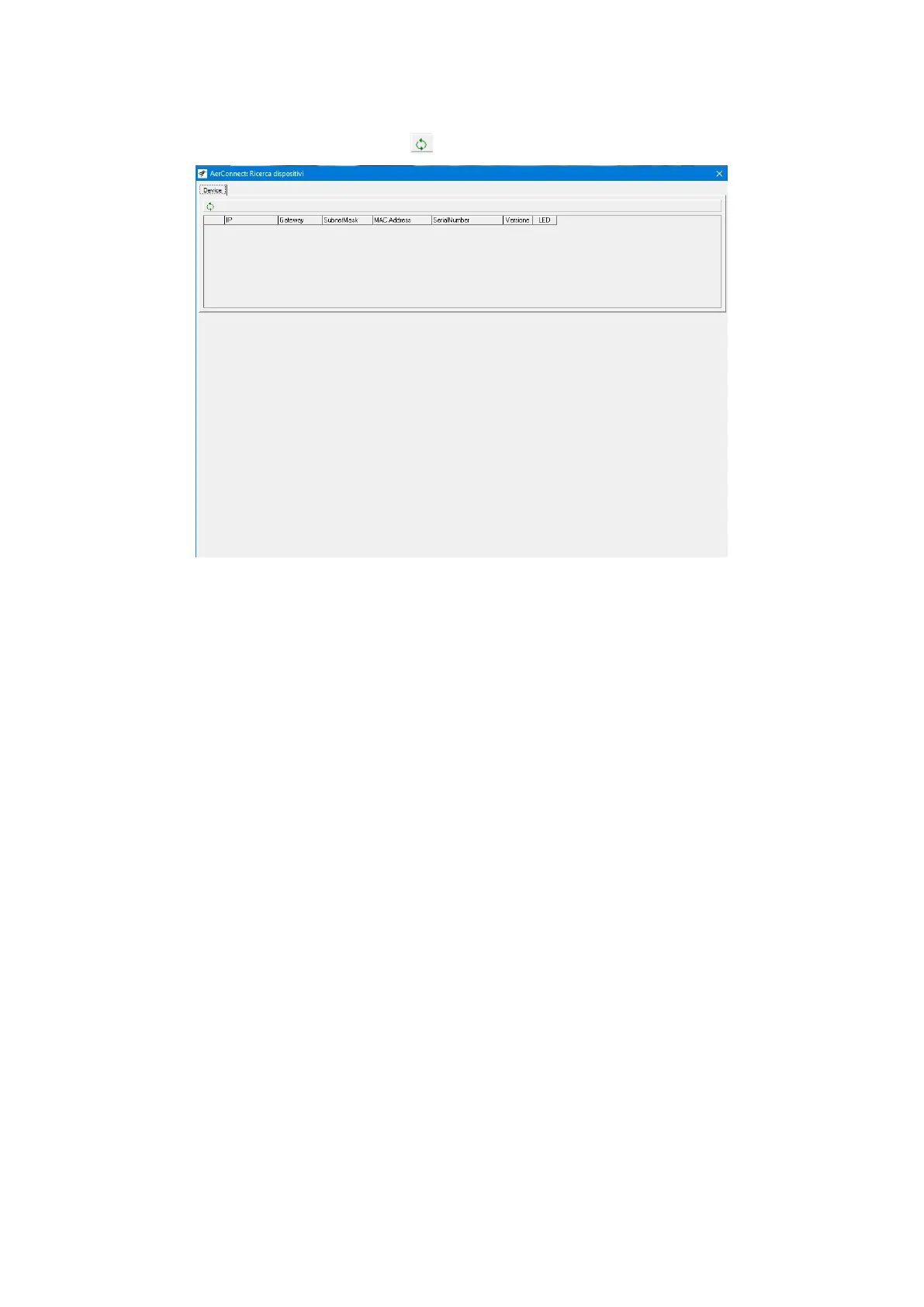
1. Run the AerConnect.exe software and press the search for devices key (
).
ATTENTION: the PC must be connected on the same IP network as the AerConnect device to send the conguration.


 To Next Page