25
4.6 MESSAGE QUEUE MENU
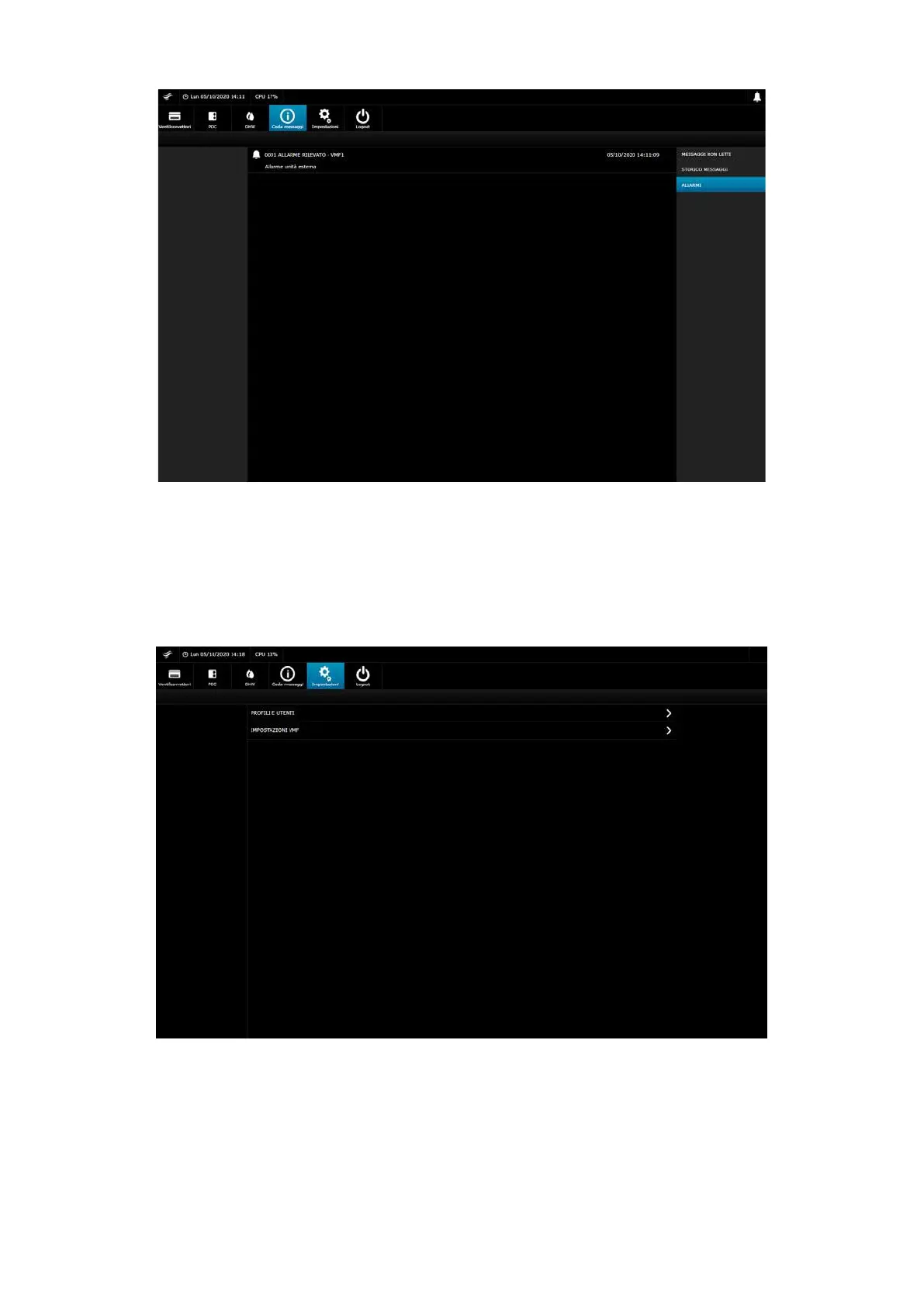
The alarm screen is shown in case of active alarms. All resolved alarms are then moved to the unread messages, which move to the message history once silenced or conrmed
by the user.
All system messages are also found in the unread messages. These are then ltered according to the user prole. Every user will have their own unread message list and
message history.
4.7 SETTINGS MENU
The settings menu can be accessed by users with administrator privileges or accessible with the ADMIN prole.
From this menu you can access the “PROFILES AND USERS” and “VMF SETTINGS” submenus
4.8 VMF SETTINGS MENU
In this menu you can view and edit the information (for every VMF-E6 system connected to the webserver.):
— Operating season
— General enabling
4.9 USER PROFILES MENU
From this submenu you can access the user access according to the two proles set in the webserver:
— ADMIN
— USER


 To Next Page