Subject to Export Control, see Cover Page for details. 2-17
2-2-3. USER INTERFACE (UI) COMPONENTS (cont)
C. Tile Windows (cont)
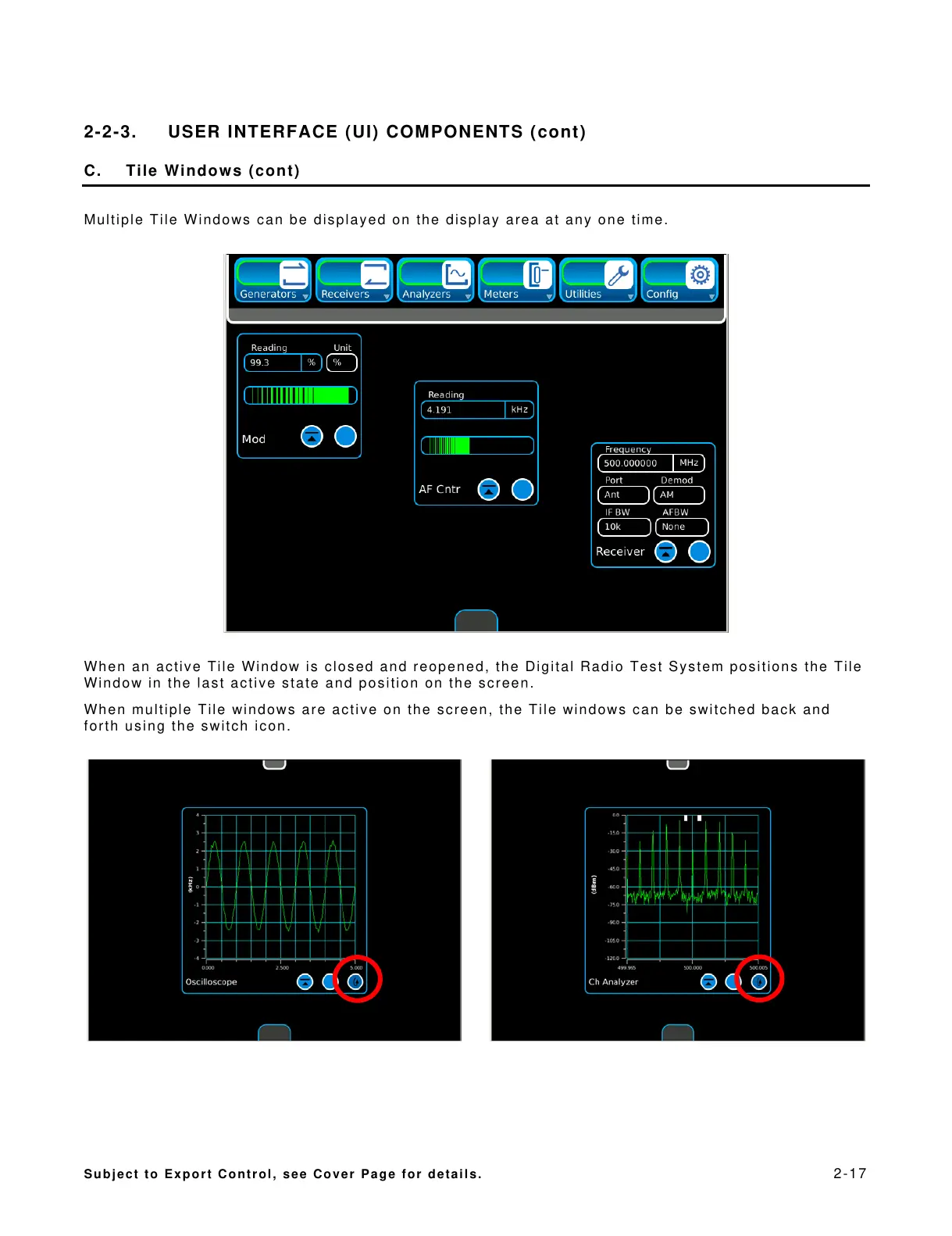
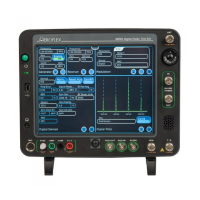
Multiple Tile Windows can be displayed on the display area at any one time.
When an active Tile Window is closed and reopened, the Digital Radio Test System positions the Tile
Window in the last active state and position on the screen.
When multiple Tile windows are active on the screen, the Tile windows can be switched back and
forth using the switch icon.



 To Next Page