EasyManua.ls Logo

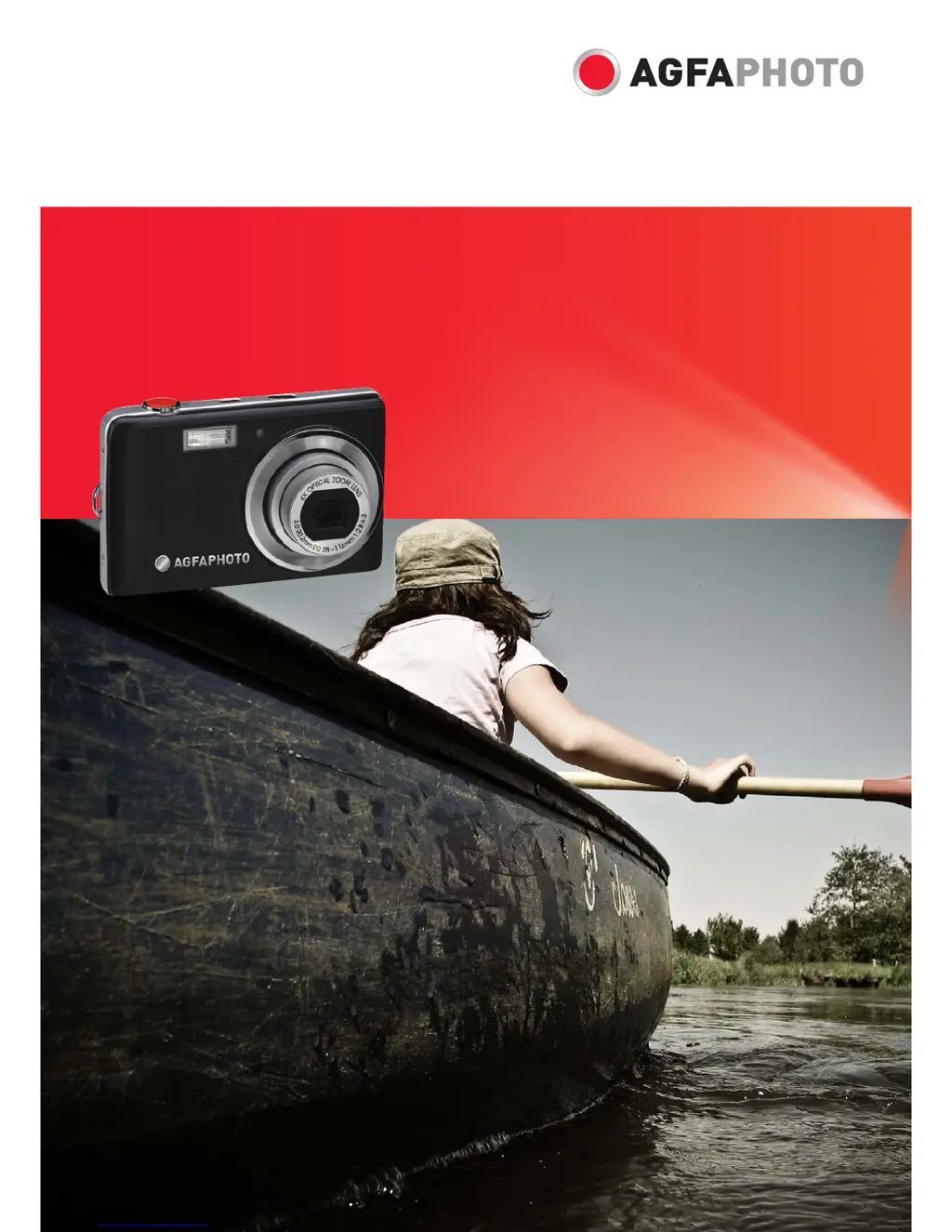
AgfaPhoto OPTIMA 104 - User Manual

AgfaPhoto OPTIMA 104
66 pages
Print Icon
To Next Page IconTo Next Page
Loading...
OPTIMA 104
User manual

Table of Contents

Questions and Answers

  • B
    Bethany WilliamsSep 12, 2025
    What does ‘Not available for this file’ mean on my AgfaPhoto OPTIMA 104 Digital Camera?
    • L
      Larry AllenSep 12, 2025
      If the LCD monitor of your AgfaPhoto Digital Camera displays ‘Not available for this file’, it indicates that the function is only available for specific file types. The file format is not supported.
  • M
    Marc RodriguezSep 15, 2025
    Why does my AgfaPhoto OPTIMA 104 LCD monitor display ‘No image’?
    • C
      Chelsea WiseSep 15, 2025
      If the LCD monitor of your AgfaPhoto Digital Camera displays ‘No image’, it means there are no files in the current used memory, or the format of the file may not be supported.

Summary

Preface

Safety and Handling Precautions

Essential safety guidelines for camera operation and care.

Camera Views and Buttons

Camera Buttons

Description and function of all physical camera controls.

Getting Started

Battery and Memory Card Installation

Step-by-step guide for inserting battery and memory card.

Powering On;Off

Instructions for turning the camera on and off.

Using the Touch Screen

Touch Screen Layout and Icons

Explanation of the on-screen display elements.

Capturing Images

Taking Still Images

Basic steps for capturing photographs.

Record Menu Operations

Scene Modes

Selecting shooting modes for various conditions.

Recording Videos

Video Recording Steps

Instructions for capturing video clips.

Playback Operations

File Deletion and Protection

Removing unwanted files and preventing accidental erasure.

Image Editing

Setup Menu Configuration

Memory Kit and Reset Options

Formatting memory and resetting camera to defaults.

Making Connections

Connecting to TV and PC

Displaying on TV and transferring files to computer.

Printer Connection and Print Settings

Direct printing via PictBridge and configuring print modes.

Appendix and Troubleshooting

Troubleshooting Common Issues

Solutions for camera problems.

Specifications

AgfaPhoto OPTIMA 104 Specifications

General IconGeneral
Image SensorCCD
TypeCompact
Optical Zoom4x
Digital Zoom6x
Storage MediaSD/SDHC card
Display2.7 inch TFT LCD
ISO Range100-1600
Video RecordingYes
BatteryLithium-ion rechargeable
ISO SensitivityAuto, 100-1600
Shutter Speed1/2000 - 1/2 sec
Video Resolution640 x 480 (VGA)
Battery TypeLithium-Ion
Image Sensor Size1/2.3-inch
Weight120 g (without battery and card)

Related product manuals