16
AgfaPhoto OPTIMA 145 AgfaPhoto OPTIMA 145
16 17
AgfaPhoto OPTIMA 145 AgfaPhoto OPTIMA 145
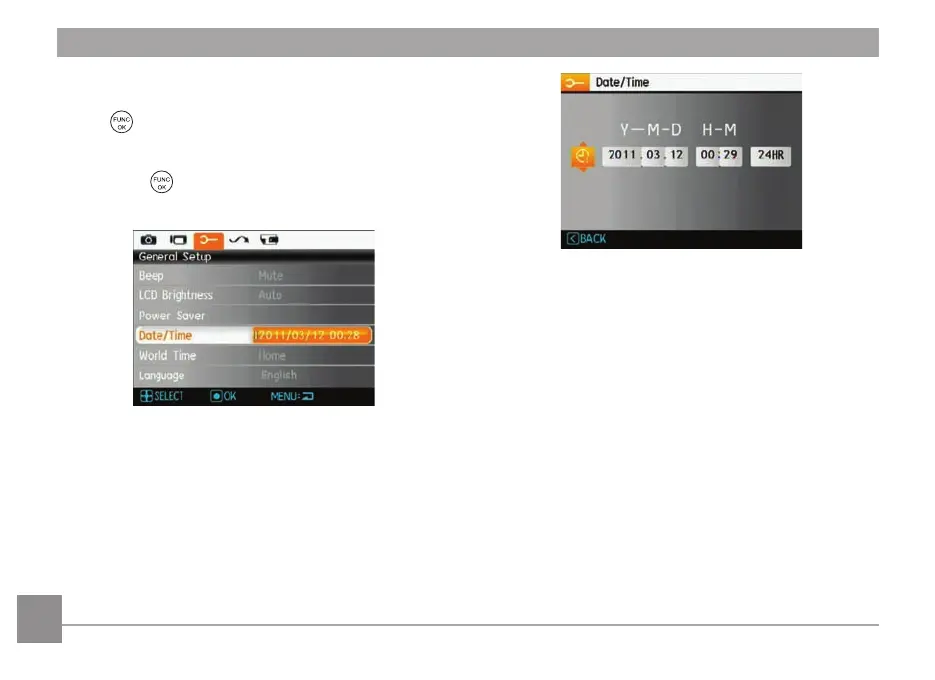
Setting the Date and Time
1. Select date / time with the Up/Down button, then press
the
or right button to enter the setting.
2. Press the
Left/Right
button to h
ighlight each field and
use the Up/Down button to adjust the value.
3.
Press the
button to confirm the setting.













 To Next Page