52
AgfaPhoto OPTIMA 145 AgfaPhoto OPTIMA 145
AgfaPhoto OPTIMA 145 AgfaPhoto OPTIMA 145
2. Use the Up/Down button and select "One" to protect
individual photos or movies; or select "All" to protect all
photos and movies stored in the memory card. Press
the
button to confirm and enter the photo/movie
protection interface.
3. Press the
button then select Yes to lock displayed
photos or videos, or select Unprotect to unlock them,
then press the Up/Down button and select Back to
return to the playback menu.
4. A key icon (
) will appear on the top of the screen
to indicate that the picture/video is protected.
Selecting "reset" will unprotect all previously
protected photos and videos.
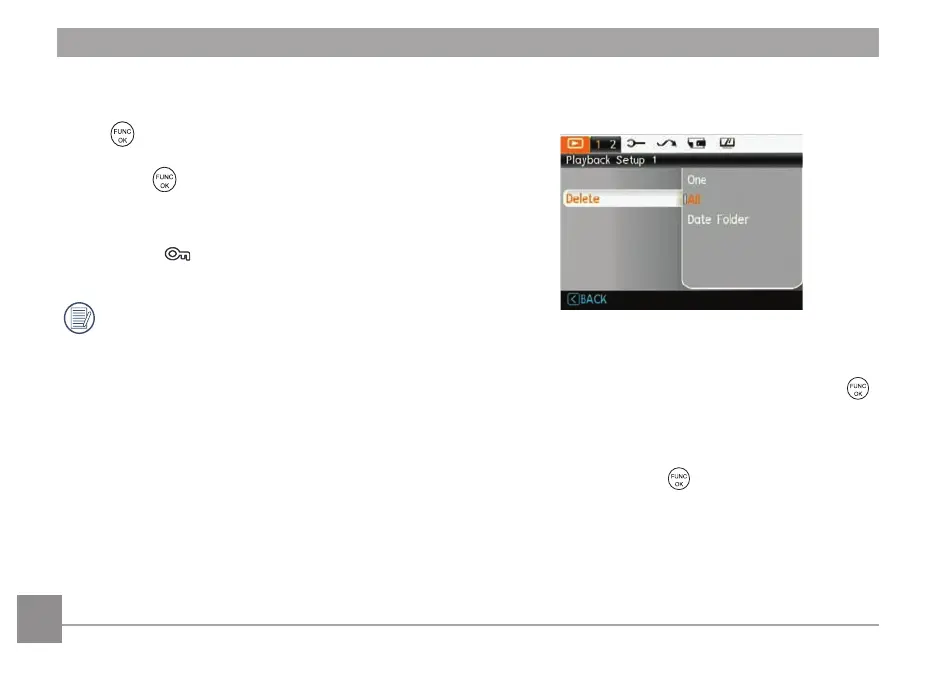
Delete
There are two ways to delete files.
• Delete One:
1. In the Delete Option, select One and then press the
button.
2. Using the Left/Right buttons, locate the photo or mov
ie
file to be deleted. Select Yes (to delete the file) or No
(to return to the previous menu) using the Up/Down
buttons, then press the
button to confirm.













 To Next Page