42 4343
AgfaPhoto OPTIMA 145 AgfaPhoto OPTIMA 145
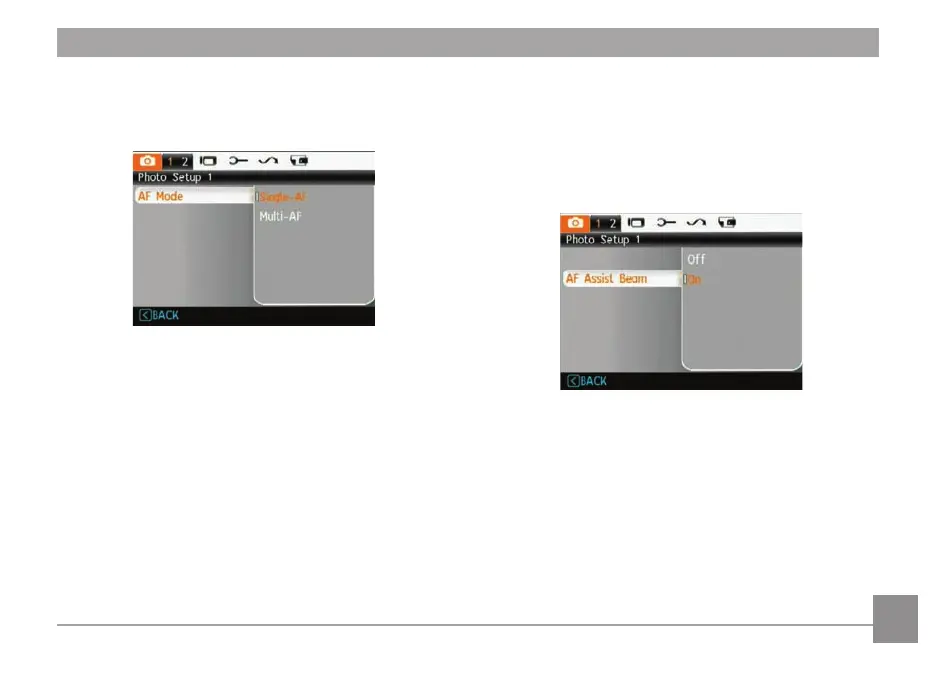
AF Mode (Auto-Focus mode)
Use this setting to control the auto-focus mechanism while
taking pictures.
Two options are available:
• Single-AF: The focus frame appears on the center of
the LCD screen to focus on the subject.
• Multi-AF: The camera w
ill focus correctly on multiple
parts of the object.
AF-assist Beam
This option can turn the AF-assist on or off. The AF-assist
can improve focusing when the camera is in a dark environ-
ment. In low light conditions it is not recommended to turn
off the AF-assist lamp otherwise the camera may not focus
correctly.













 To Next Page