34
AgfaPhoto OPTIMA 145 AgfaPhoto OPTIMA 145
34 35
AgfaPhoto OPTIMA 145 AgfaPhoto OPTIMA 145
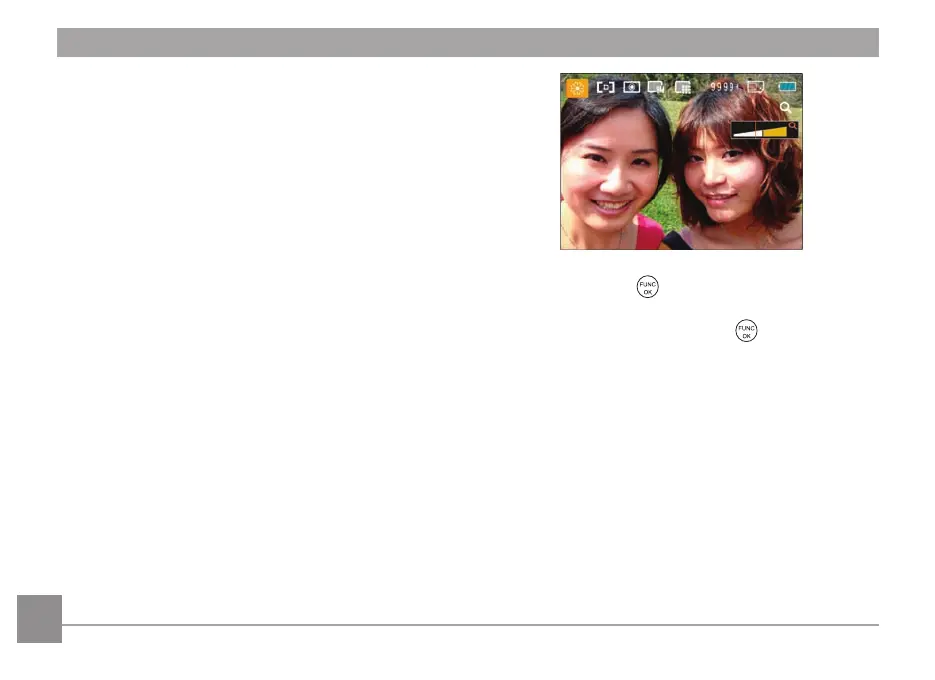
1. After selecting the scene type, press the button to
activate.
2. After setting the option, press the
button to confirm
the setting and enter the selected Scene Selection
mode for shooting.
The main functions menu also allows you to adjust
the image quality and image size. Please refer to the
"
Advanced Functions Menu
" sect
ion on page 21 for
detailed instructions.
Travel shooting
Produces background
image blur that emphasizes the
motion of the main subject.
Text
F
or capturing documents, printed material, and presentation
boards.
Leaf
For plants. Capture br
illiant shots of greenery and
blossoms.
Glass
For objects beh
ind transparent glass.
Fish eye
Creates a fish-eye effect, by d
istorting the center of the
image.
Sketch
For tak
ing photos with pencil sketch effect.













 To Next Page