54
AgfaPhoto OPTIMA 145 AgfaPhoto OPTIMA 145
AgfaPhoto OPTIMA 145 AgfaPhoto OPTIMA 145
Rotate
You can use this setting to change the orientation of the
picture.
1. Select the Rotate sett
ing from the Playback menu as
described previously.
2. Use the Left/Right nav
igation buttons to select a
picture to rotate.
3. Use the Up/Down nav
igation buttons to select the
direction of rotation or Back to cancel and return to the
Playback menu.
4. Press the button to confirm the setting.
The panorama picture and video cannot be rotated.
Revolved file will replace the original one.
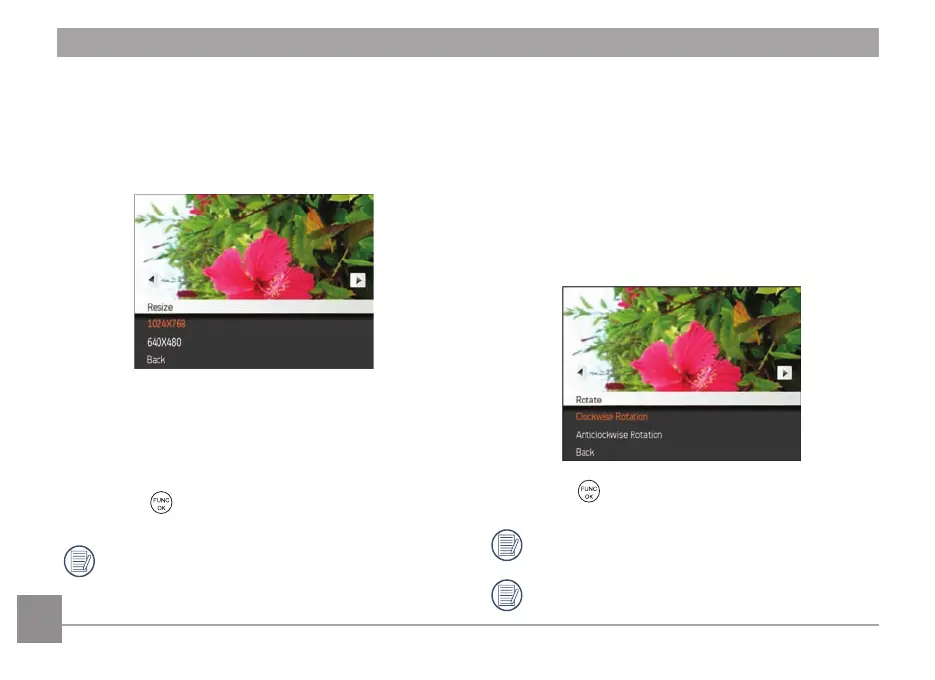
Resize
This setting allows you to resize a picture to a specified
resolution, and saves it as a new picture.
1. Select the
Resize
sett
ing from the
Playback
menu as
descr
ibed previously.
2. Use the
Left/Right
nav
igation buttons to select a
picture to resize.
3. Use the
Up/Down
nav
igation buttons to select a
resolution (
1024X768
or
640X480
) to resize the image
or
Back
to cancel and return to the
Playback
menu.
4.
Press the
button to confirm the setting.
Resizing an image creates a new file that contains
the image in the size you select. The file with the
original image also remains in the memory.













 To Next Page