20 21
AgfaPhoto OPTIMA 145 AgfaPhoto OPTIMA 145
20 21
AgfaPhoto OPTIMA 145 AgfaPhoto OPTIMA 145
Press the Left/Close-up button to enter the close-up
shooting interface, press the Left/Right button to switch
between two close-up shooting modes:
•
Macro : On
Select this to focus on subjects 5cm from the
lens.
•
Macro : Off
Select this option to disable Macro.
Macro Mode
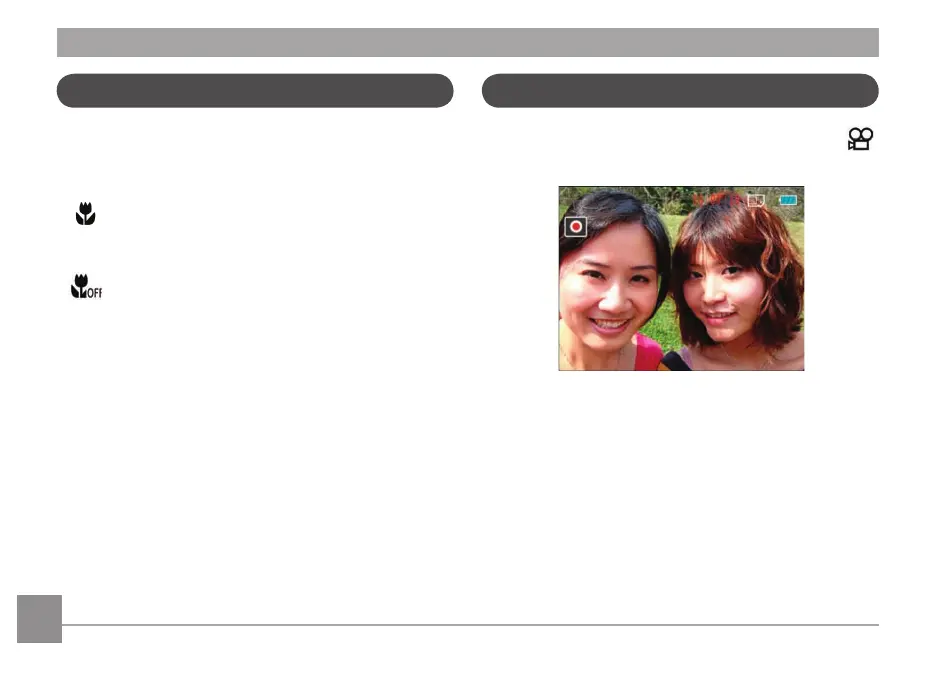
Using quick recording
In Shooting mode, press the Recording shortcut button
to enter the recording mode directly and make recordings.
After finishing a recording, press the Recording shortcut
button or Shutter button again, you can store the video and
return to the shooting screen.













 To Next Page