18 19
AgfaPhoto OPTIMA 147
1919
AgfaPhoto OPTIMA 147
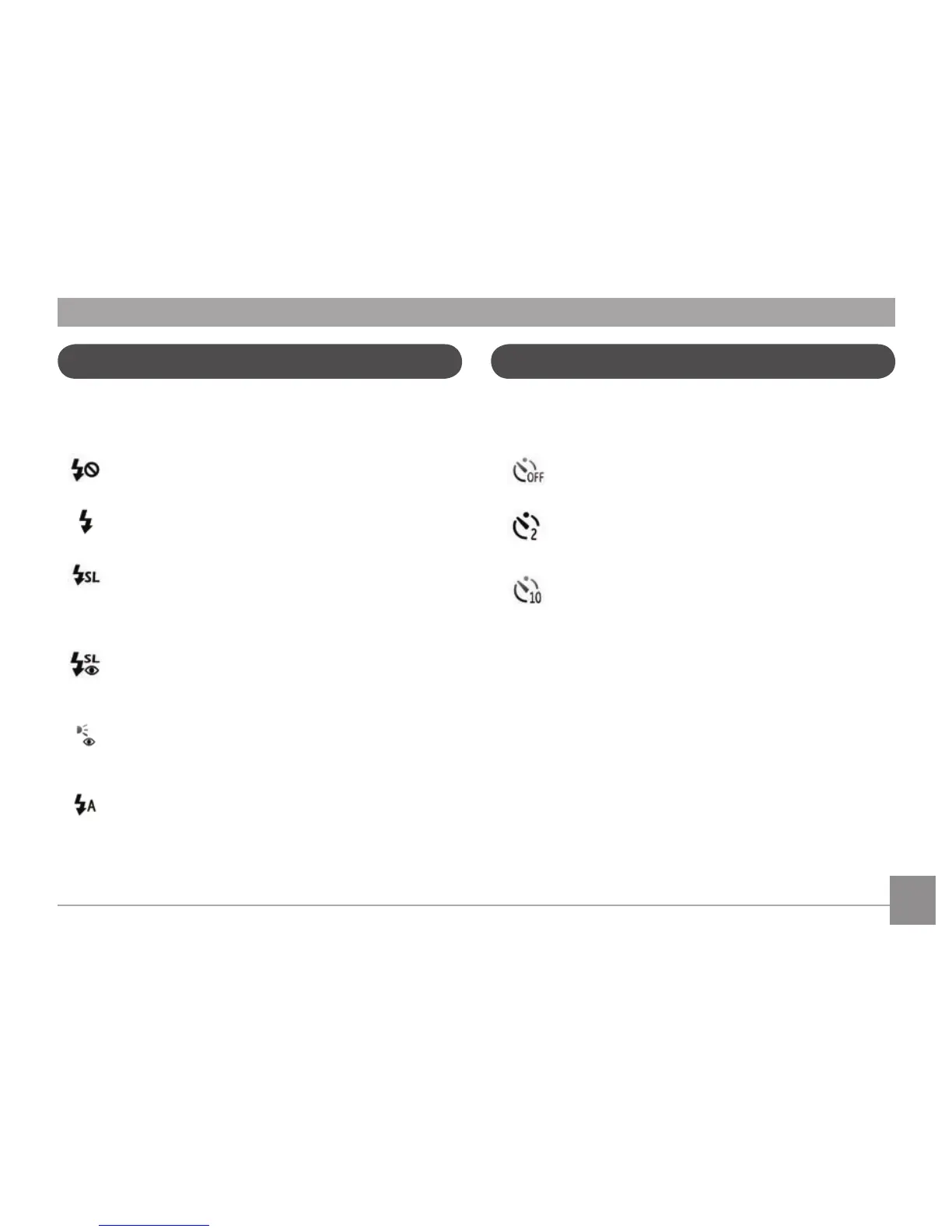
Flash
Press Right/Flash button to enter the flash interface, then
press Left/Right button to switch among six different flash
modes:
•
Flash: Forced off
Flash is turned off.
•
Flash: Forced flash
Make forced flash at the moment of shooting.
•
Flash: Slow Synchro
This allows you to take pictures of people at night
that clearly show both your subjects and the night
time backdrop.
•
Flash:Red-Eye+Slow Synchro
Using this mode for slow synchro shots with red-
eye reduction.
•
Flash: Red-eye reduction
The camera exposes a brief flash before the
picture is taken to reduce red-eye effects.
•
Flash: Auto
Camera flash goes on automatically based on
existing light conditions.
To enable self-timer function, press Down/Self-timer button
to enter the self-timer selection interface, press Left/Right
button to switch among three self-timer modes:
•
Self-timer : Off
Disable the self-timer.
•
Self-timer : 2 Sec
A single picture is taken 2 seconds after the
Shutter button is pressed.
•
Self-timer : 10 Sec
A single picture is taken 10 seconds after the
Shutter button is pressed.
Self-timer













 To Next Page