2. Use the Up/Down button to select One picture/video to
protect or select ALL to protect all photos and movies
stored on the active memory (memory card or internal
memory - when memory card is inserted, the memory
card is the active memory. Without the memory card,
the internal memory is the active memory). Press
button to confirm and enter photo/movie protection
interface.
3. Press the
button to select Yes to lock. For locked
picture/video, use Unlock option to unlock it.
4. A key (
) icon will appear on the top of the screen
to indicate that the picture/video is protected.
If you Reset the Settings in the menu option, all
protection settings on pictures/videos will be
cancelled.
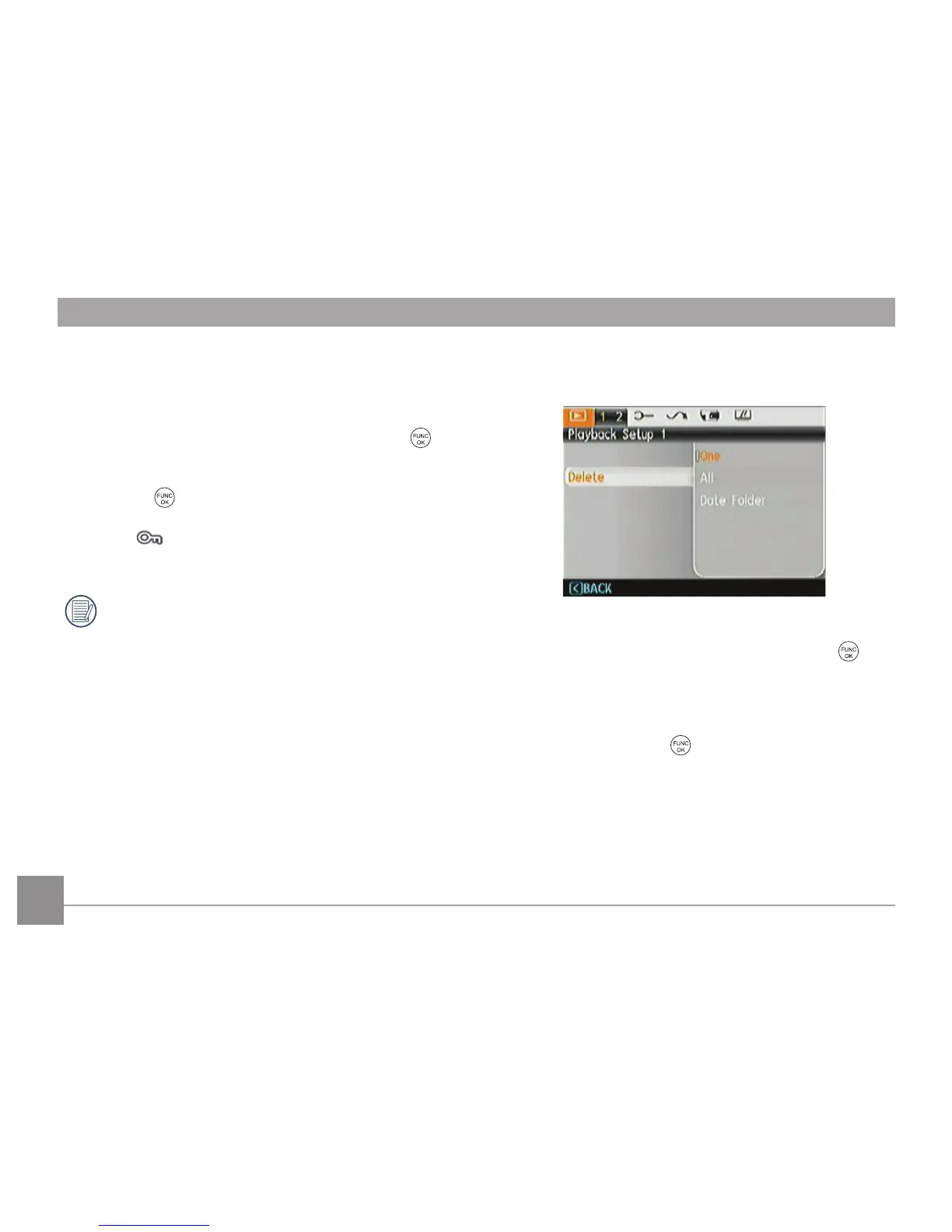
Delete
There are three ways to delete files.
• Delete One:
1. In the Delete Option, select One and then press
button.
2. Press the Left/Right button to locate the photo or video
to be deleted. Press the Up/Down button to select
item (Yes: to delete the file, Back: to return to previous
menu) and then press
to confirm.













 To Next Page