48 49
AgfaPhoto OPTIMA 147 AgfaPhoto OPTIMA 147
48 49
AgfaPhoto OPTIMA 147 AgfaPhoto OPTIMA 147
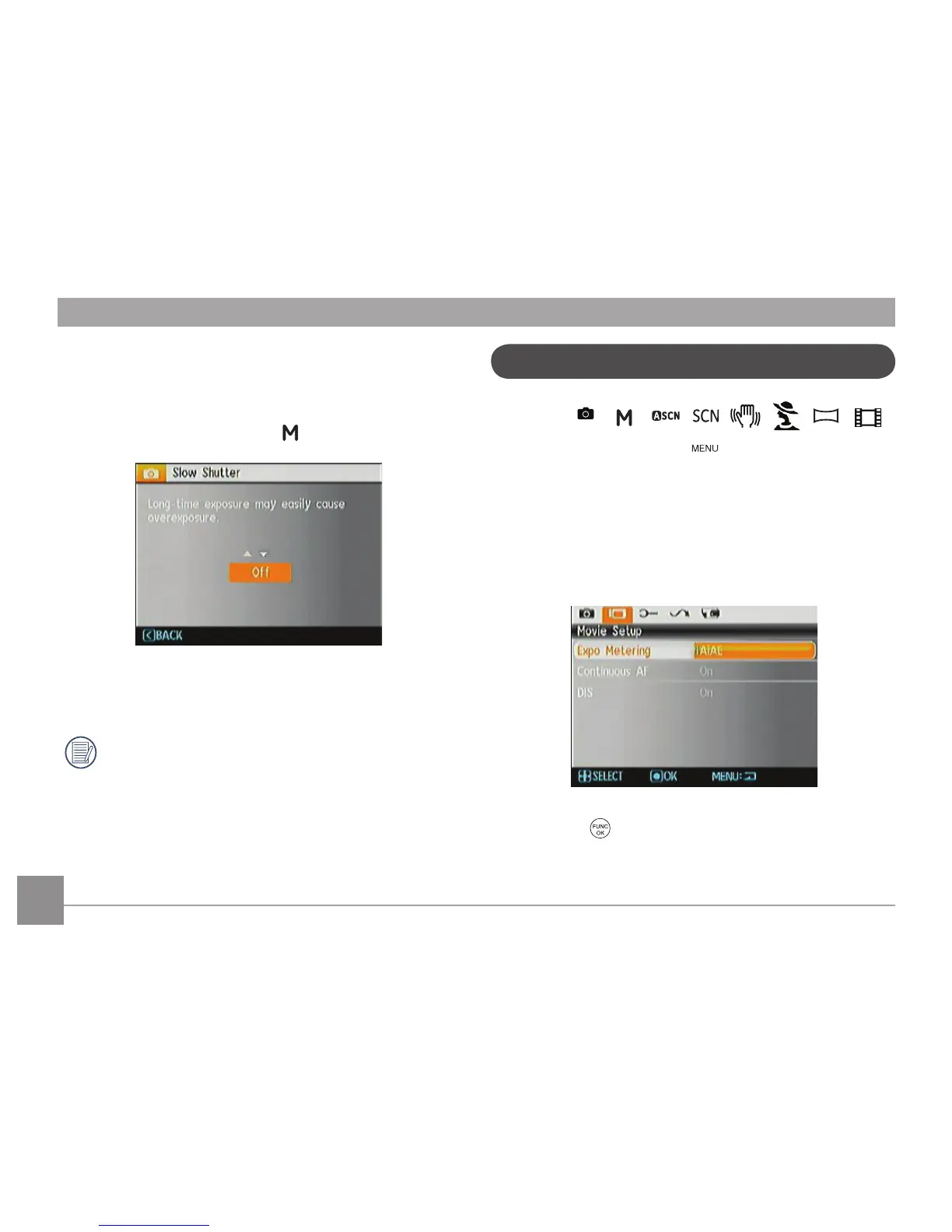
Slow Shutter ("B" or Bulb Mode)
In Slow Shutter (B) mode, the shutter will remain open as
long as the Shutter button is pressed. This gives you com-
plete control over the duration of the exposure. (The slow
shutter mode is available only in
manual mode.)
•
Manual
: To set a long exposure time between
2~30 sec.
The use of tripod is recommended for prolonged
exposure.
Movie Menu
Mode :
In the Movie Mode, press the button to access the
Movie Setup menu.
To configure each setting:
1.
In the Menu screen, switch between the Movie Setup
or different Camera Setup pages using the Left/Right
button, select the page with the function you want to
adjust and press the Down button.
2. Press the to enter the selection.













 To Next Page