36 37
AgfaPhoto OPTIMA 147 AgfaPhoto OPTIMA 147
36 37
Viewing Photos and Videos
PLAYBACK
To view the captured photos and video clips on the LCD
screen:
1. Press
button to go to the Playback mode. The last
recorded photo or video clip is displayed.
2. Use the Left/Right navigation buttons to scroll through
the photos or video clips stored in the internal memory
or memory card.
3.
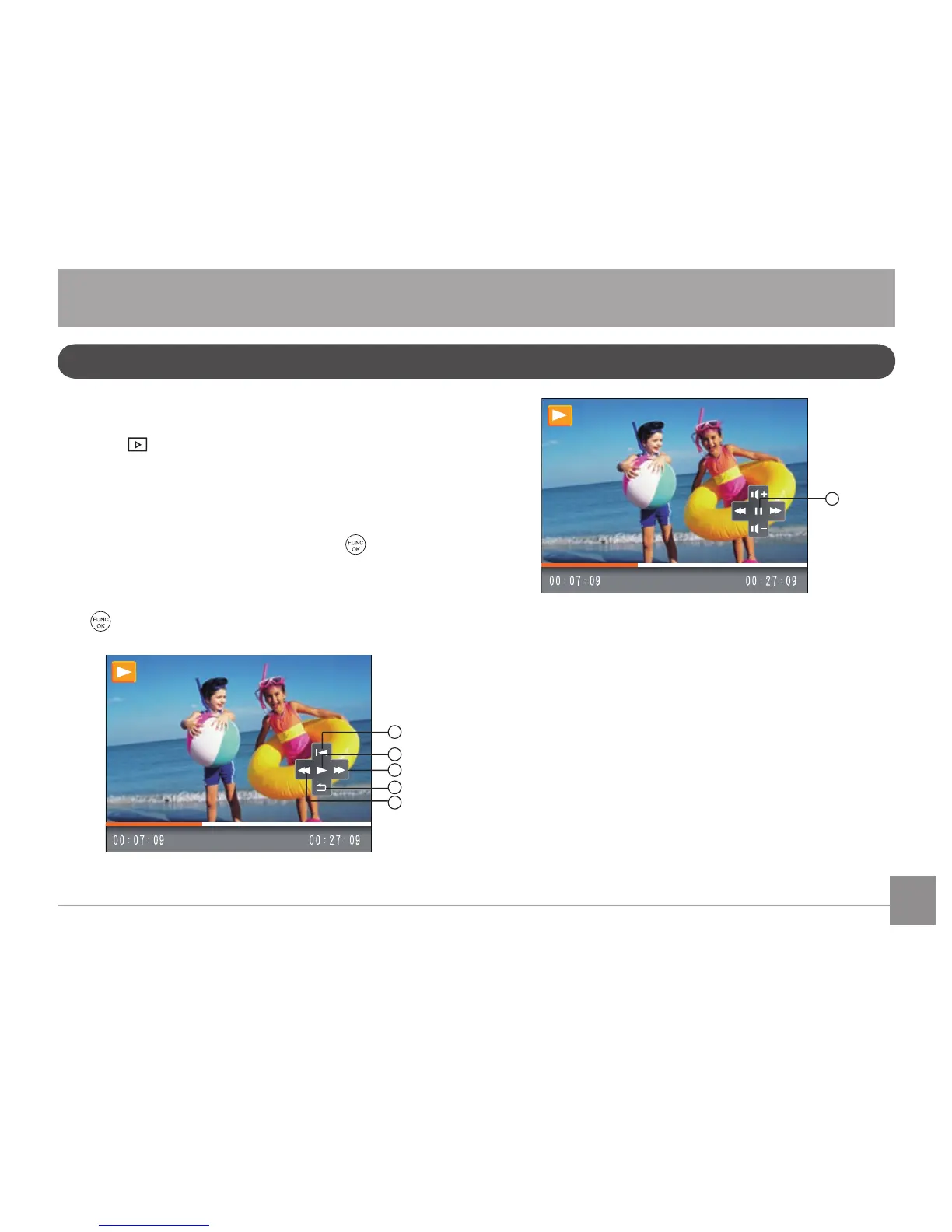
To play a selected video clip, press the
button to
enter the movie playback mode.
During video playback, the operating instructions will ap-
pear on the screen. Press the Left/Right button, and press
the
button for confirmation.













 To Next Page